

Overview: The fastest way to host effective virtual yacht tours is a hybrid setup. Publish a high-quality passive 360° or 3D tour for discovery, then schedule live guided walkthroughs via YachtWay LIVE for qualification. Embed the tour in your listings, share QR codes and social teasers, and connect a lead capture form or CRM to every touchpoint.
Your immediate launch checklist:
- Stage and professionally detail the vessel before any camera comes aboard
- Capture a 360° panorama set or a Matterport 3D scan as your passive discovery asset
- Set up live-stream capability through YouTube Live, Vimeo Livestream, or OBS Studio
- Embed the tour via iframe or direct URL into your brokerage listing
- Print a QR code on dock signage to bridge walk-up visitors to the digital tour
- Connect a lead capture form or CRM webhook to every tour entry point
Professional 3D providers typically deliver a completed tour quickly after the shoot, enabling a listing to go live with a full virtual experience within a short timeframe. Yachts-bysteve supports brokers and owners through this entire workflow, from staging guidance to listing publication.
Table of Contents
- Which tour format is right for your listing?
- What gear do you actually need for reliable, luxury-quality results?
- How to run a production from staging through delivery
- How to embed tours in listings and share them via QR
- How do you turn tour viewers into qualified leads?
- What are the legal and privacy rules for filming aboard a yacht?
- How do you measure success and follow up effectively?
- Selling a yacht that hasn’t been built yet
- Your 48–72 hour plan to go live
- Key Takeaways
- What actually moves the needle in virtual yacht sales
- Yachts-bysteve can help you get your listing tour live
- Useful sources and tools
Which tour format is right for your listing?
Not every vessel needs the same treatment, and not every buyer is at the same stage. The format you choose should match where the prospect sits in the sales cycle.
Primary formats at a glance:
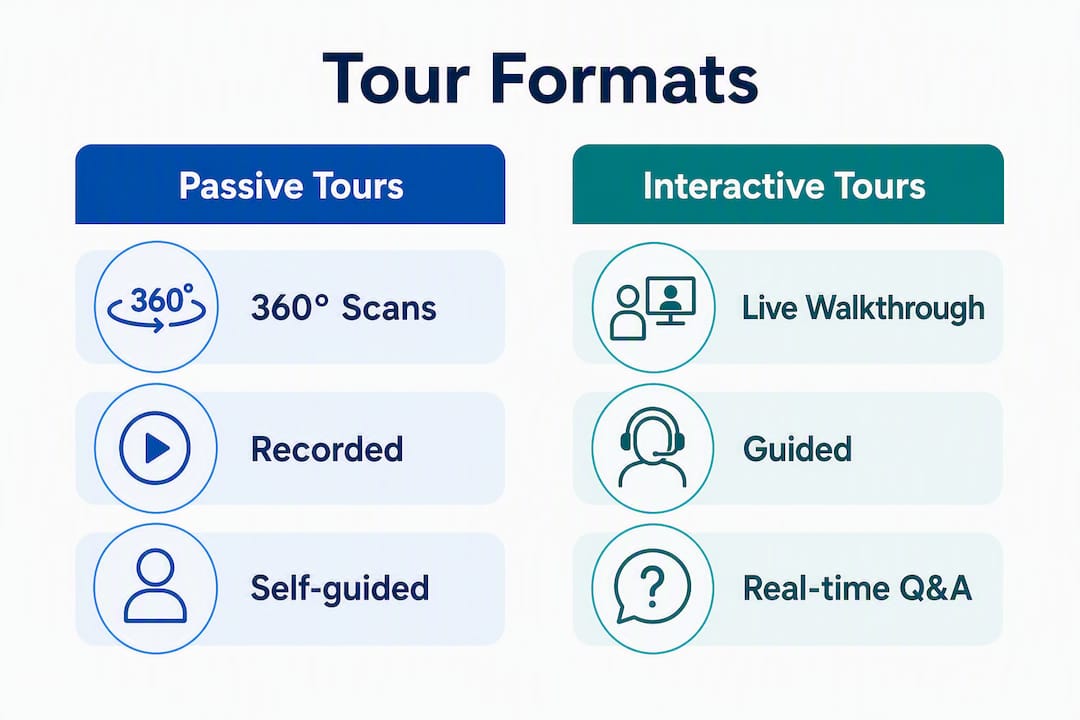
| Format | Best for | Interactivity | Equipment needed | Embed/share | Cost range | Mobile friendly | Privacy controls |
|---|---|---|---|---|---|---|---|
| 360° panoramas | Discovery, listing pages | Passive | Insta360 or similar 360 camera | iframe / URL / QR | Low | Yes | Password, blur |
| Matterport 3D scan | Pre-qualification, technical review | Active exploration | Matterport Pro camera | iframe / URL | Mid | Yes | Password per scene |
| Live guided walkthrough (YachtWay LIVE / YouTube Live / Vimeo) | Qualification, negotiation stage | Fully active | 4K camera, gimbal, mic, broadband | Stream URL / embed | Low–mid | Yes | Private link / invite |
| Cinematic pre-recorded video | Brand storytelling, social teasers | Passive | Mirrorless 4K, gimbal, lighting | URL / social / embed | Mid–high | Yes | Unlisted / private |
| 3D renders / VR | Pre-build sales, unbuilt yachts | Active (navigable) | CAD files, render studio | URL / VR headset | High | Partial | Password |
High-resolution 3D scans let surveyors and engineers inspect helm electronics, engine rooms, and bilge areas remotely, which makes the Matterport format particularly valuable for technically minded buyers who want spatial detail before committing to a survey.
The cinematic video earns its place as the emotional opener — the piece that makes a buyer feel something before they start measuring headroom. Live guided walkthroughs, by contrast, are where deals move forward. Think of the formats as a relay: 360° hands off to Matterport, Matterport hands off to live.
What gear do you actually need for reliable, luxury-quality results?
Production quality on a luxury listing is not optional. A blurry stream or a scan riddled with reflections signals neglect, not exclusivity.
Core equipment list:
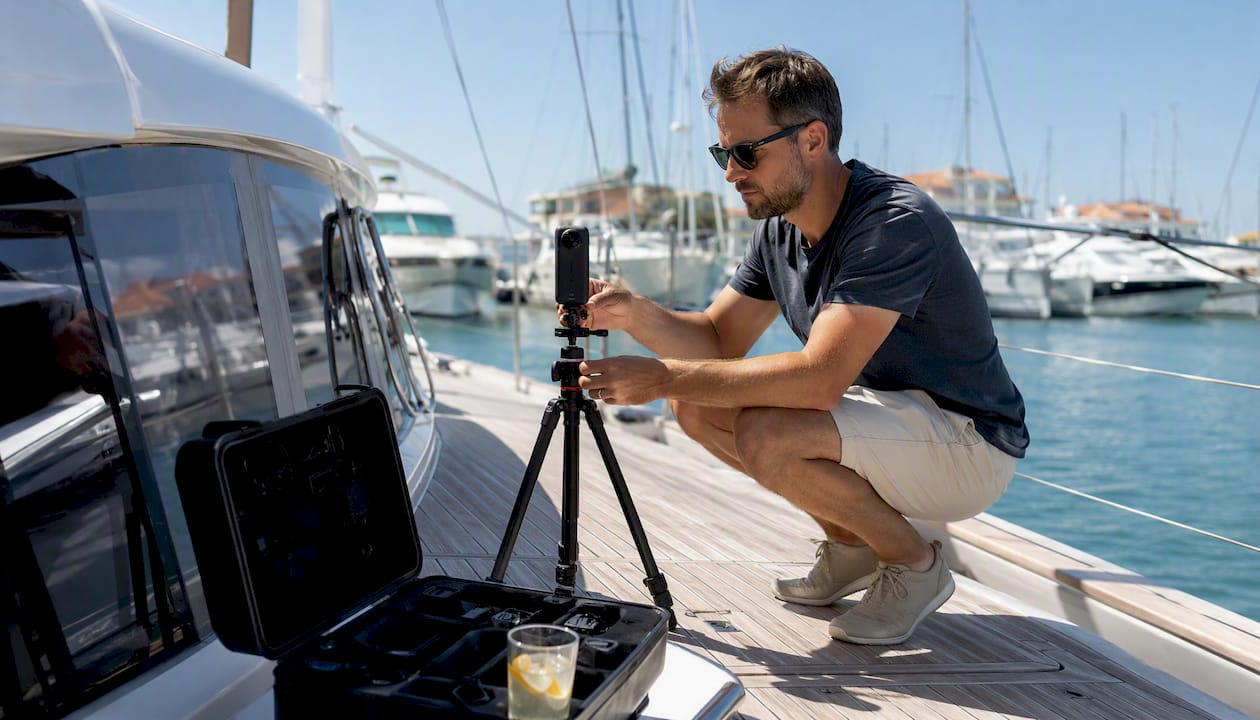
- 360 camera: Insta360 X4 or a Matterport-compatible rig for 3D scans
- Cinematic camera: Mirrorless body with a 4K-capable sensor for video walkthroughs
- Stabilization: Gimbal or fluid-head tripod — handheld footage on a moving vessel reads as amateur
- Audio: External shotgun mic or lavalier clipped to the presenter; onboard ambient noise destroys credibility
- Lighting: Portable LED panels for saloons and engine rooms where natural light falls short
- Connectivity: Bonded cellular or marina broadband with a minimum 5–10 Mbps upload for stable 720p–1080p live streams; 4K live streaming requires significantly more headroom
- Fallback: Pre-recorded clips of key areas to cut to if the uplink drops mid-session
For hosting and post-production, Kuula and Matterport (starting around $10–$50/month) handle 360°/3D hosting with hotspot and editing features. OBS Studio is free and handles multi-source live streaming to YouTube Live or Vimeo Livestream without a subscription. For connectivity planning on the water, the role of yacht internet connectivity is worth reviewing before you book a shoot date.
Pro Tip: Assign one person to manage the camera and one to manage the stream. A presenter fumbling with a laptop while talking through the helm is the fastest way to lose a qualified buyer’s attention.
How to run a production from staging through delivery
The vessel is the stage, and every detail the camera catches is a signal to the buyer. A three-phase workflow keeps production tight and reshoots rare.
Phase 1: Prepare. Professional detailing is non-negotiable. Production should never run in rain or poor light, and wet surfaces degrade 3D scan quality in ways that make a luxury vessel appear poorly maintained. Remove personal effects, set lighting to eliminate reflections on varnished surfaces, and schedule the shoot for mid-morning when natural light is consistent.
Phase 2: Capture. Follow a structured shot list:
- Opening establishing shot from the dock or tender approach
- Helm and navigation electronics
- Saloon and galley flow
- Forward and aft cabin circulation
- Engine room highlights
- Exterior deck transitions and cockpit
- Swim platform approach
Phase 3: Deliver. Edit, host, and embed within 24 hours of capture. For a typical mid-sized yacht, a professional team can complete scanning and publish the hosted tour within a couple of days.
Pro Tip: Obtain written consent from the owner and any crew before filming begins. This protects everyone and keeps the production professional from the first moment.
How to embed tours in listings and share them via QR
A tour that lives only on a hosting platform is a tour that buyers rarely find. Distribution is where the work pays off.
Embedding via iframe or direct URL and printing QR codes on physical “For Sale” signs at the dock bridges in-person and digital engagement effectively. Here is the step-by-step workflow:
- Upload the finished tour to your chosen platform (Matterport, Kuula, YouTube, or Vimeo)
- Configure privacy settings: public for discovery assets, password-protected for sensitive listings
- Copy the iframe embed code or direct URL
- Paste into your brokerage listing and any dedicated landing page; append UTM parameters for tracking
- Generate a persistent short URL pointing to a landing page that captures lead info before redirecting to the tour
- Create a QR code from that short URL and place it on dock signage, printed brochures, and email footers
- Share a 30–60 second teaser clip on Instagram and Facebook to drive traffic back to the full tour
For charter-focused listings, boat tour experiences show how personalized tour design shapes audience expectations — a useful reference when crafting the narrative flow of your own virtual walkthrough.
Tours can also be password-protected and blurred for privacy, then shared via email, WhatsApp, or social media with embedded QR codes for ultra-discreet listings where broad public exposure is not appropriate.
How do you turn tour viewers into qualified leads?
Passive views are pleasant. Qualified leads are the point. The gap between the two closes with deliberate interactive design.
- Add hotspots inside 3D tours that link to spec sheets, engine hours, or survey reports
- Place a click-to-schedule widget at the end of every tour, routing interested viewers to a live YachtWay LIVE session
- Gate live sessions with a short form (name, contact, buying timeline) before sending the join link
- Use CRM webhooks to log every hotspot click, tour start, and form submission with the originating UTM tag
- Tag leads by engagement tier: tour viewed, hotspot clicked, live session attended
Sample CTA microcopy for listing embeds: “Explore every deck. Schedule your private live walkthrough.” For in-session prompts: “Tell us which space you’d like to see next — we’ll take you there.”
Pro Tip: Buyers who direct the camera during a live session are self-qualifying. When someone asks to see the engine room twice, they are serious. Tag that lead immediately and follow up within the hour.
For a deeper look at how qualification fits into the broader sales process, qualifying yacht buyers covers the full framework.
What are the legal and privacy rules for filming aboard a yacht?
U.S.-based brokers and owners need to clear several checkpoints before a camera comes aboard, and again before any prospect data is stored.
Secure written consent from the owner, any co-owners, and crew members who may appear on camera. Redact or physically remove documents, personal photographs, and any identifying items visible in the scan. Hosting platforms that support per-scene password protection and blurring tools give you granular control over what different audiences can access.
For lead capture, follow U.S. data-protection best practices: collect only the information you need, publish a plain-language privacy notice on every gated landing page, and store prospect data in a CRM that your organization controls. Confirm that your insurance policy covers filming activities aboard the vessel before the production date.
Pro Tip: For high-value listings, generate time-limited access links that expire within a few days. Vetted buyers get access; casual browsers do not.
This article provides general information, not legal advice. Confirm current data-protection obligations with a qualified attorney or your organization’s compliance team.
How do you measure success and follow up effectively?
Track four primary KPIs: tour start rate (tour starts divided by listing visits), hotspot interaction rate, live session attendance, and CRM conversion rate from tour viewer to showing request.
| KPI | What it signals | Suggested action |
|---|---|---|
| Tour start rate below 30% | Listing page or thumbnail needs work | Improve hero image and embed placement |
| Hotspot interaction rate | Depth of buyer interest | Tag high-interaction leads for priority follow-up |
| Live session attendance | Qualification intent | Send personalized follow-up within 1 hour |
| CRM conversion rate | Overall funnel health | Adjust gating and CTA copy if conversion is low |
Follow-up cadence:
- Within 1 hour of tour view: automated email with a direct link to schedule a live walkthrough
- Within 24–48 hours: personalized note referencing specific areas the buyer interacted with
- Within 3–7 days: invitation to a scheduled YachtWay LIVE session
- For hot leads: survey scheduling and surveyor referral within the same week
For managing the full inquiry flow, handling yacht inquiries provides a practical routing framework that pairs well with this cadence.
Selling a yacht that hasn’t been built yet
Pre-build sales present an obvious challenge: there is nothing physical to film. High-fidelity 3D renders and navigable VR walkthroughs solve this by letting buyers feel the scale and quality of a vessel before the hull is complete.
CAD-to-VR workflows and high-resolution 3D renders let shipyards and brokers present a realistic preview optimized for mobile, desktop, and VR headsets. The production process converts CAD files into fully textured 3D scenes with lighting passes and navigable nodes.
What to plan for:
- Photoreal renders for a single configuration: lower five-figure budget range, 2–4 week delivery
- Full navigable VR suite with multiple layout options: mid to high five-figure range, 4–8 week delivery
- Accessibility: include narrated audio descriptions and captions in all rendered tours so buyers with visual or hearing differences can engage fully
- Cross-platform optimization: confirm the VR experience runs on mobile browsers without requiring a headset download
The emotional impact of a well-rendered VR walkthrough on a pre-build sale is difficult to overstate. Buyers who can navigate a virtual saloon and feel the proportions of a master stateroom make decisions faster and with greater confidence.
Your 48–72 hour plan to go live
A minimal viable virtual tour does not require a full production crew. Here is what to accomplish in three days:
- Day 1 — Prepare: Detail the vessel, remove personal items, confirm marina broadband or cellular uplink, obtain written owner consent, and brief your camera operator on the shot list
- Day 2 — Capture: Complete the 360° scan or 4K walkthrough, record audio narration, and back up all files
- Day 3 — Publish: Upload to Matterport, Kuula, YouTube, or Vimeo; configure privacy; embed in the listing via iframe; generate QR code; activate the CRM lead capture form; share a teaser clip on social
Production handoff checklist:
- [ ] Vessel professionally detailed and staged
- [ ] Shot list printed and walked through on board
- [ ] Written consent from owner and crew
- [ ] Connectivity tested (minimum 5–10 Mbps upload confirmed)
- [ ] 360 camera or 4K rig charged and tested
- [ ] Hosting platform account active and configured
- [ ] iframe embed code ready for listing
- [ ] QR code generated and printed
- [ ] CRM form or webhook connected
- [ ] Follow-up email sequence drafted and queued
Key Takeaways
A hybrid approach combining passive 360°/3D tours for discovery with live guided walkthroughs for qualification is the most effective way to host virtual yacht tours that convert remote viewers into serious buyers.
| Point | Details |
|---|---|
| Hybrid format wins | Publish a passive 360°/3D tour for discovery, then schedule live walkthroughs for buyer qualification. |
| Staging determines quality | Professional detailing and optimal lighting conditions directly shape how buyers perceive the vessel’s value. |
| Embed, QR, and gated CTAs convert | Distribute via iframe embeds, dock QR codes, and gated forms to turn views into trackable, qualified leads. |
| Follow up fast | Send an automated email shortly after a tour view and a personalized note within a couple of days to maintain momentum. |
| Yachts-bysteve supports the full workflow | Yachts-bysteve guides brokers and owners through listing production, tour strategy, and buyer qualification from first contact to closing. |
What actually moves the needle in virtual yacht sales
There is a version of this advice that sounds right on paper but falls apart on the water. Brokers who invest in a Matterport scan and then wait for inquiries to arrive discover quickly that the tour is not the product — the conversation it starts is.
The listings that generate serious buyer engagement share one quality: they treat the virtual tour as an opening statement, not a final presentation. The 3D scan answers the first round of questions. The live walkthrough is where a buyer reveals what they actually care about — and where a skilled broker listens more than they talk. When a prospect asks to revisit the engine room a second time during a YachtWay LIVE session, that is not curiosity. That is a buyer doing due diligence in real time.
The follow-up cadence matters as much as the production quality. A polished tour followed by a 72-hour silence loses deals that a prompt, personalized email would have kept. The technology is the invitation. The relationship is what closes.
For brokers who want to understand how virtual tours fit into a complete remote yacht sales strategy, the operational picture is broader than any single format.
Yachts-bysteve can help you get your listing tour live
Producing a virtual tour that genuinely qualifies buyers takes more than a camera and a hosting account. Yachts-bysteve works with owners and brokers to prepare listings for virtual presentation, advise on format selection, and connect sellers with the production resources that match their vessel and budget. Whether you are listing a 55-foot motor yacht or a pre-build commission, the brokerage brings the market knowledge to position the tour where serious buyers will find it.
Ready to put your listing in front of qualified remote buyers? Explore how Yachts-bysteve’s brokerage services support the full process, or review the luxury yacht marketing workflow to see how virtual tours fit into a conversion-focused listing strategy. Contact Yachts-bysteve with your vessel’s specifications, marina location, and preferred tour format to get started.
Useful sources and tools
- Matterport — 3D scanning and hosting platform
- Kuula — 360° tour hosting with hotspot and embed tools
- OBS Studio — free, open-source live streaming software
- YouTube Live — free live streaming with broad reach
- Vimeo Livestream — professional live streaming with privacy controls
- Yachts-bysteve: Remote Yacht Sales Guide
- Yachts-bysteve: Streamline Your Yacht Listing
Recommended
Featured Listings

2028 Columbus Yachts
$22,900,008
137
Ancona
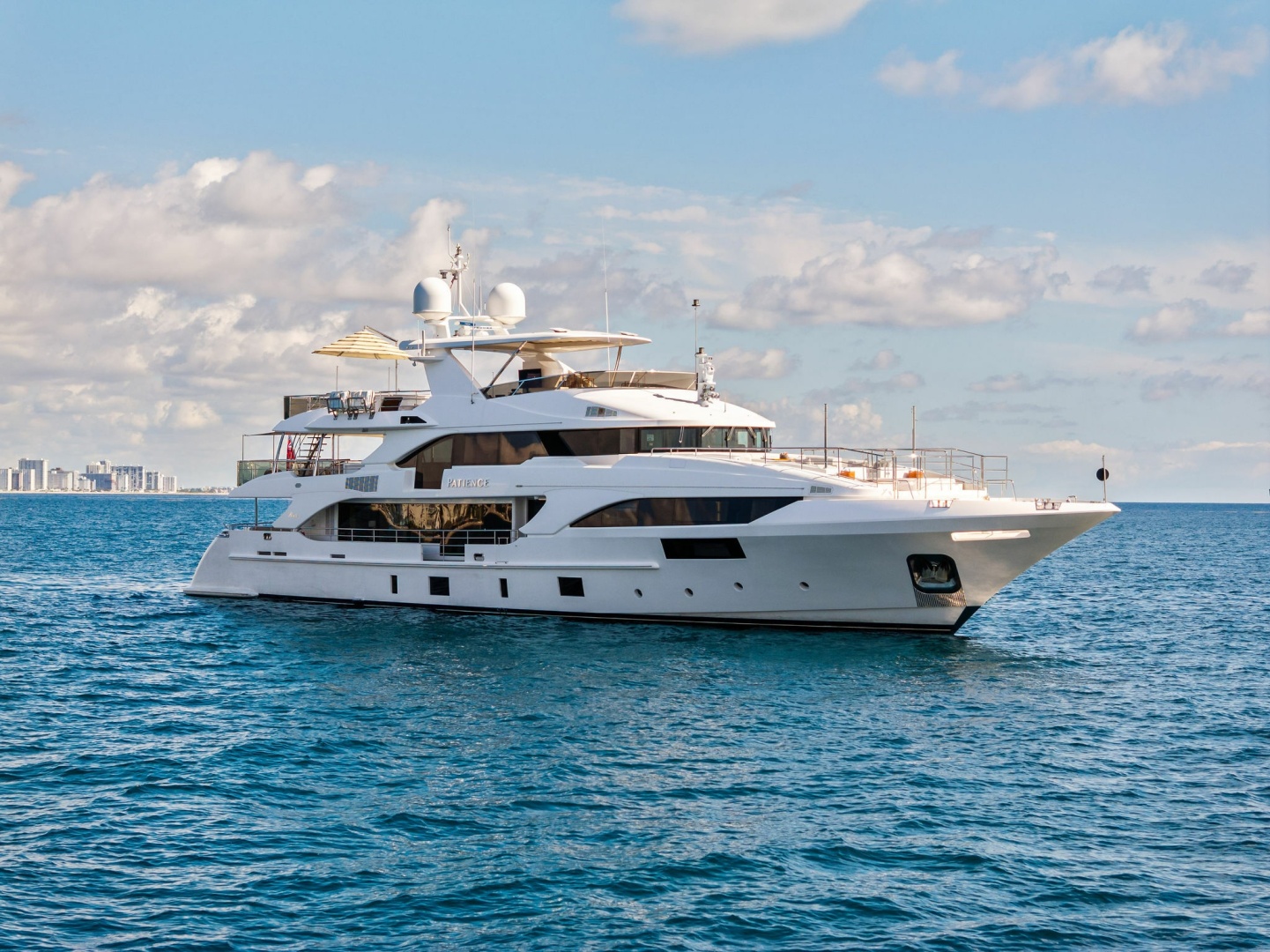
2012 Benetti PATIENCE
$10,975,000
132
Fort Lauderdale Florida
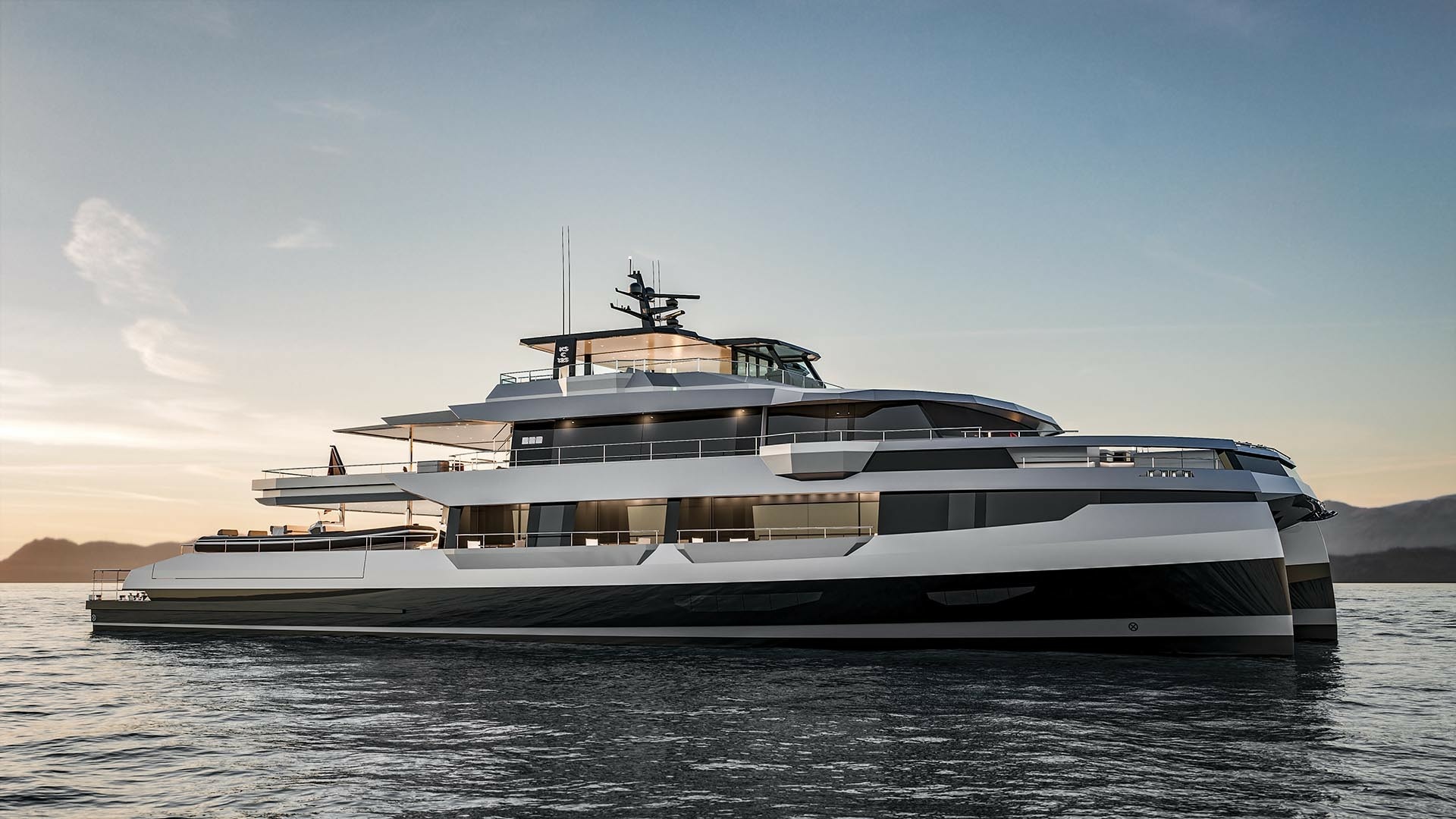
2028 Kingship Kingship
$20,350,000
125
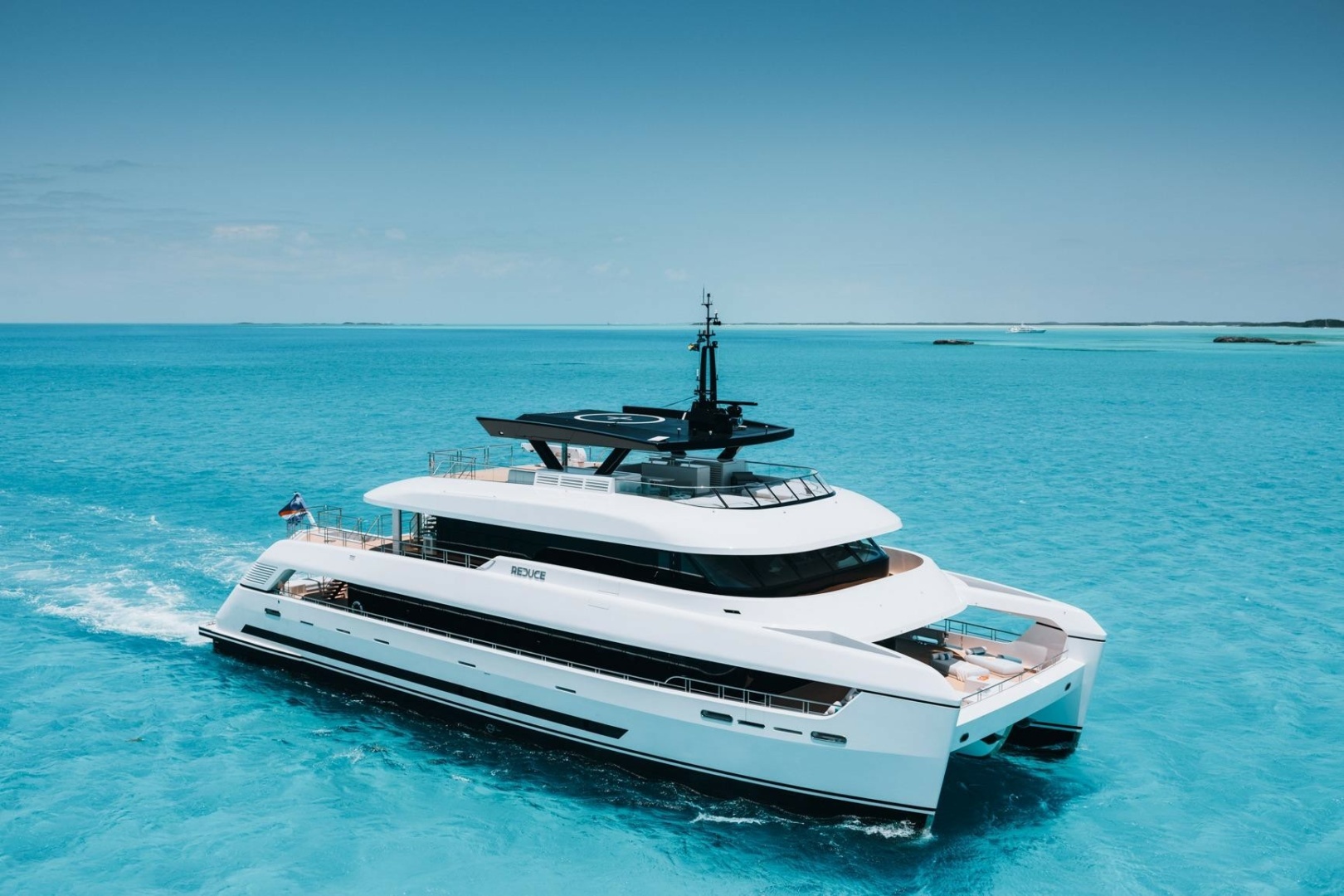
2024 Silver Yachts
$25,400,000
117
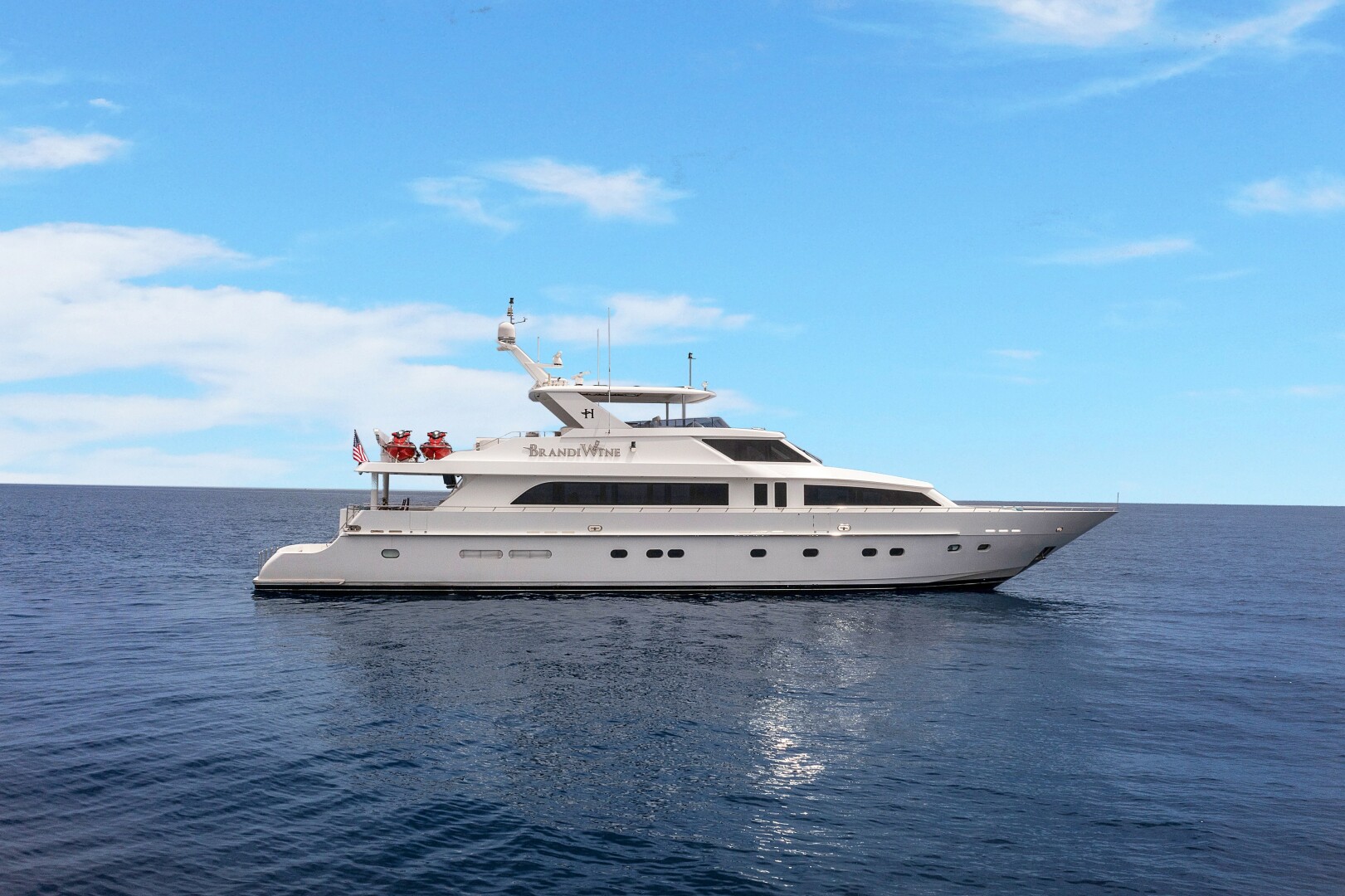
2009 Hargrave BRANDI WINE
$2,500,000
114
Fort Lauderdale Florida

2028 Extra Yachts
$20,350,000
100
Ancona

2028 Alpha
$12,100,000
100
Ft Lauderdale Florida

2028 Extra Yachts Extra 96
$9,495,000
96
Ancona
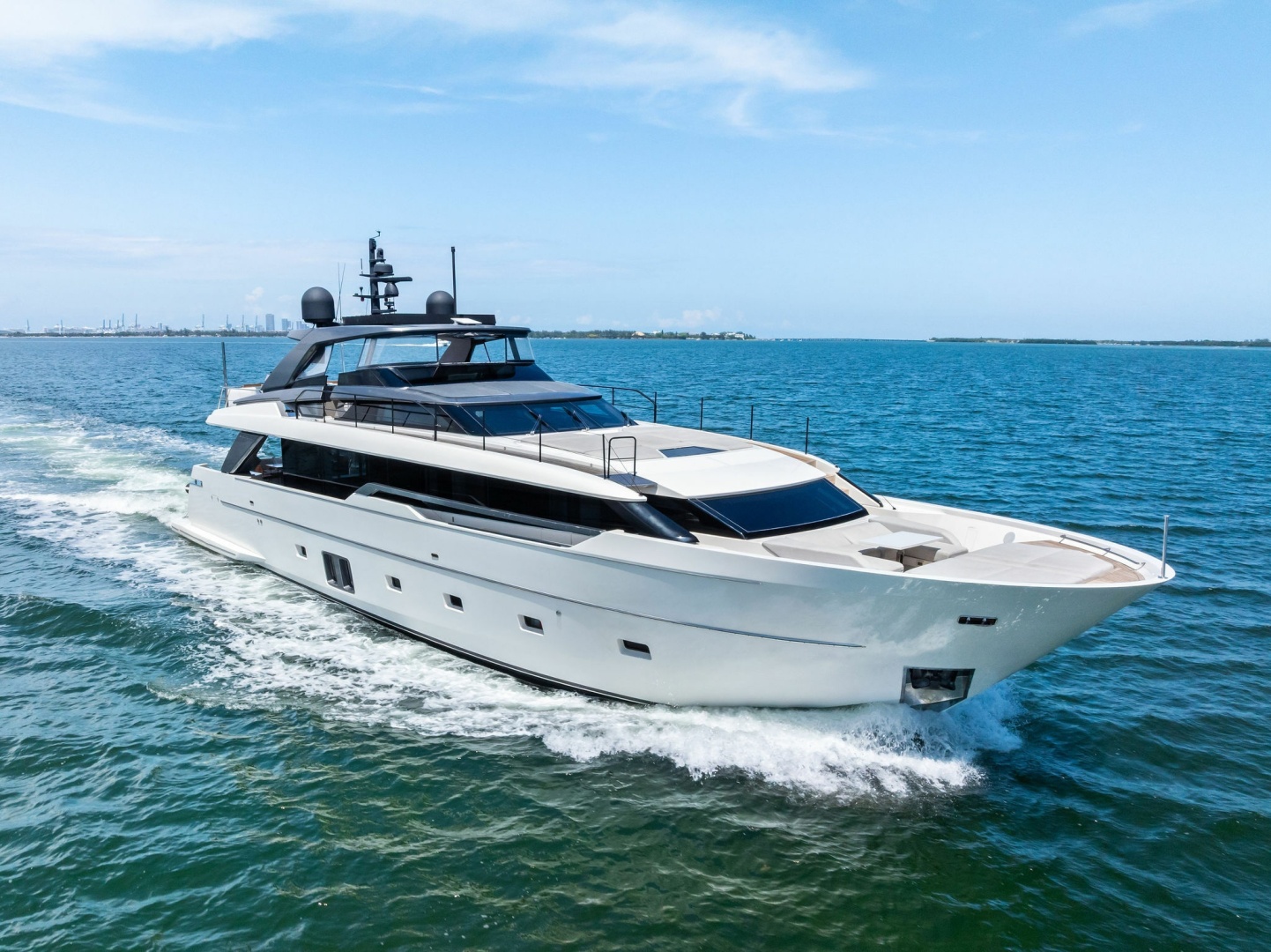
2021 Sanlorenzo GATSBY
$6,795,000
96
Fort Lauderdale Florida
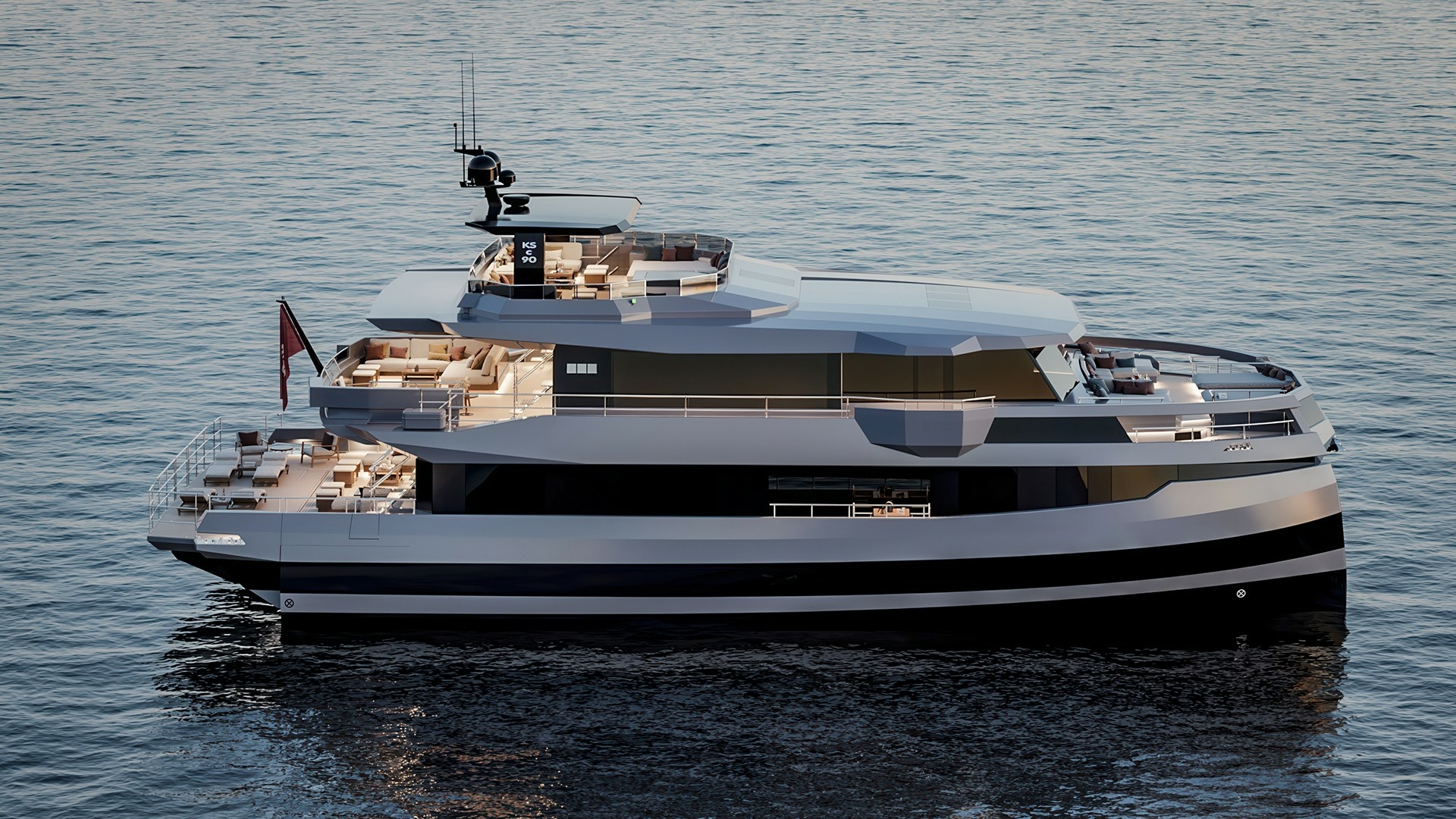
2028 Kingship
$11,990,000
90
2028 Alpha
$9,894,500
90
Fano
2023 Azimut COMPASS
$7,950,000
88
Miami Beach Florida

1999 Northern Marine OFF LINE
$2,495,000
84
Ft Lauderdale Florida
2013 Pershing DOROTHY ANN
$1,375,000
82
Fort Lauderdale Florida

1997 Ferretti Yachts
$825,000
80
La Paz
2008 Princess Yachts OCARALIA
$1,095,000
75
Charleston South Carolina
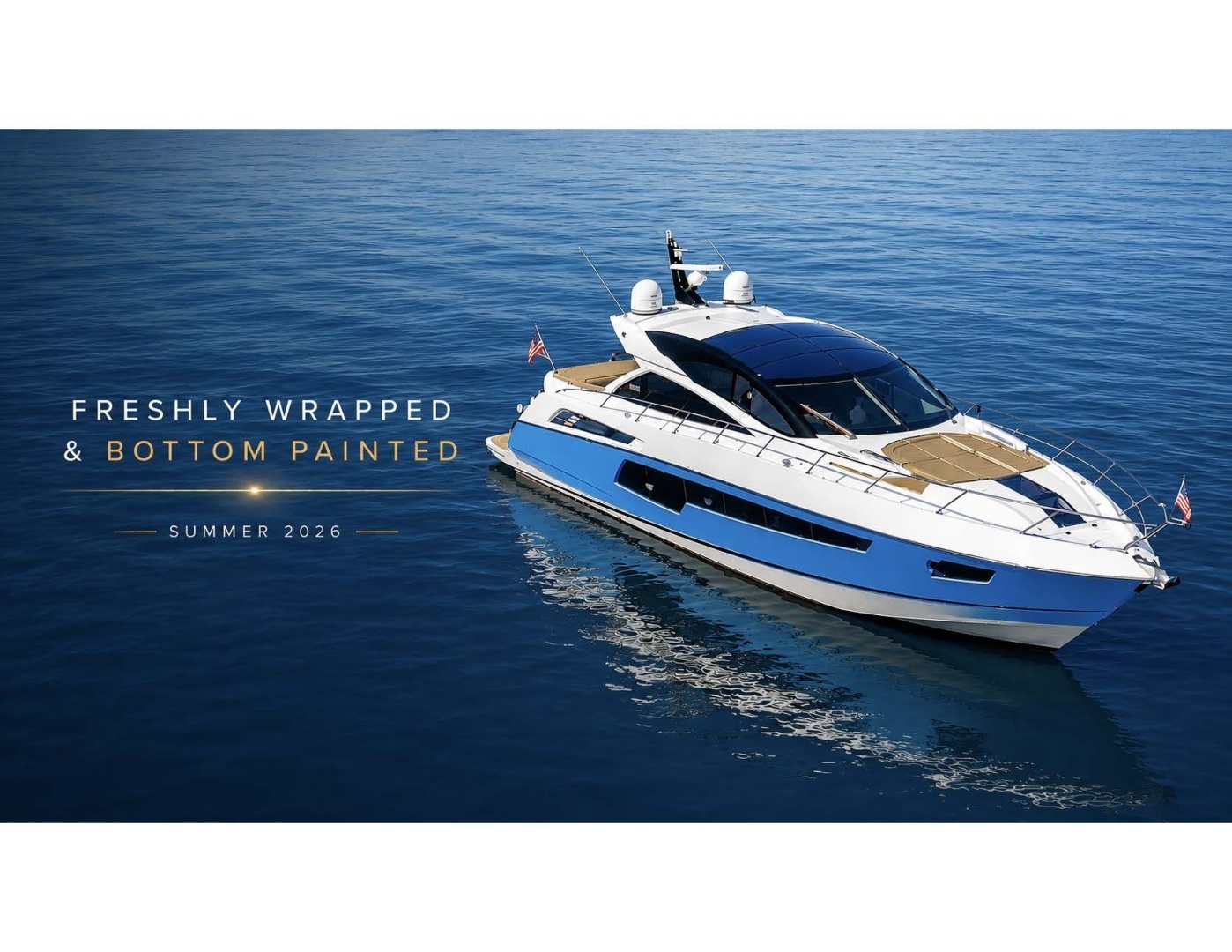
2014 Sunseeker
$1,400,000
68
New York New York

2024 Fairline
$2,750,000
68
Ft. Lauderdale Florida
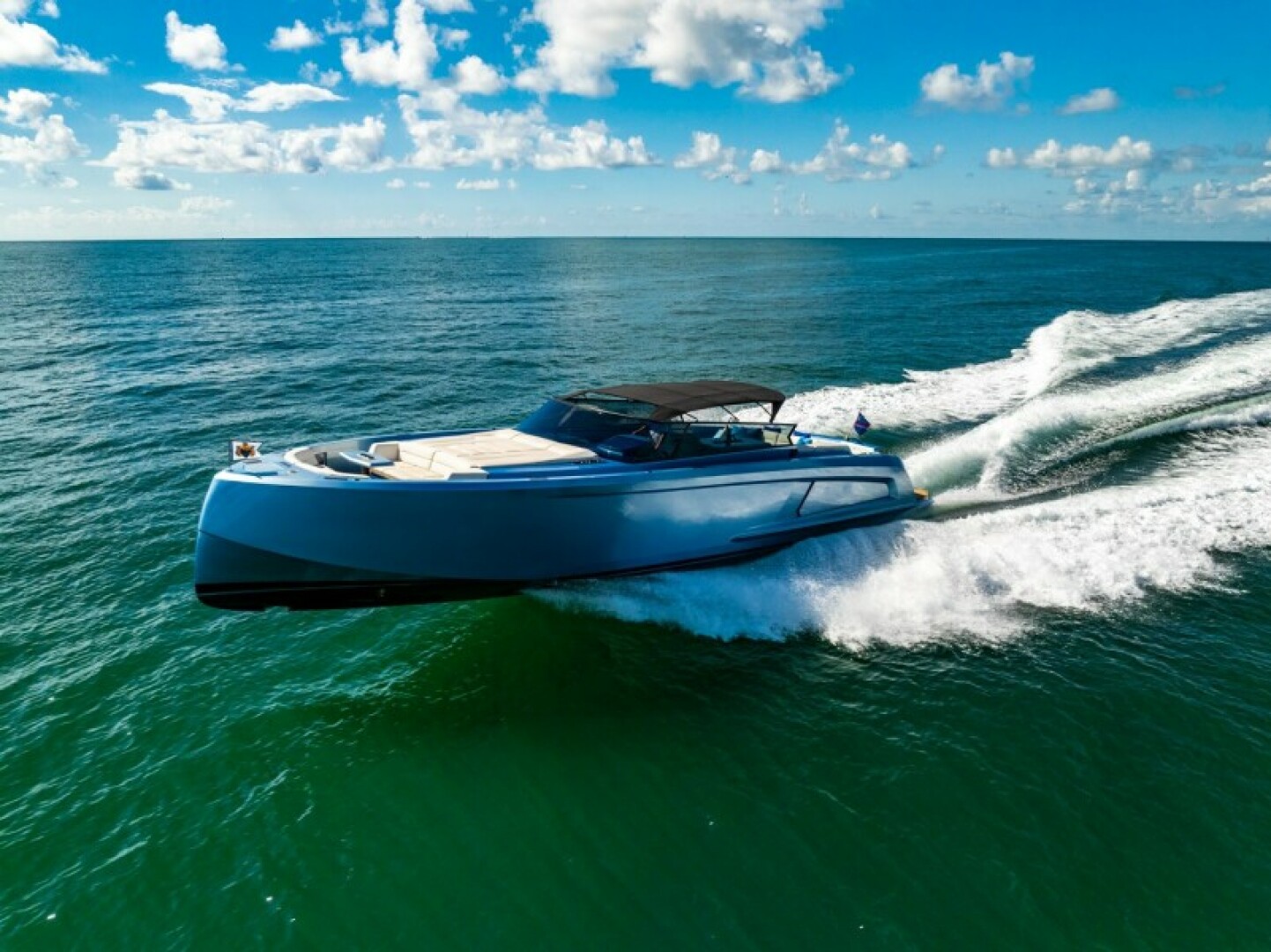
2019 Vanquish Yachts IMPULSIVE
$1,799,000
58
Miami Beach Florida
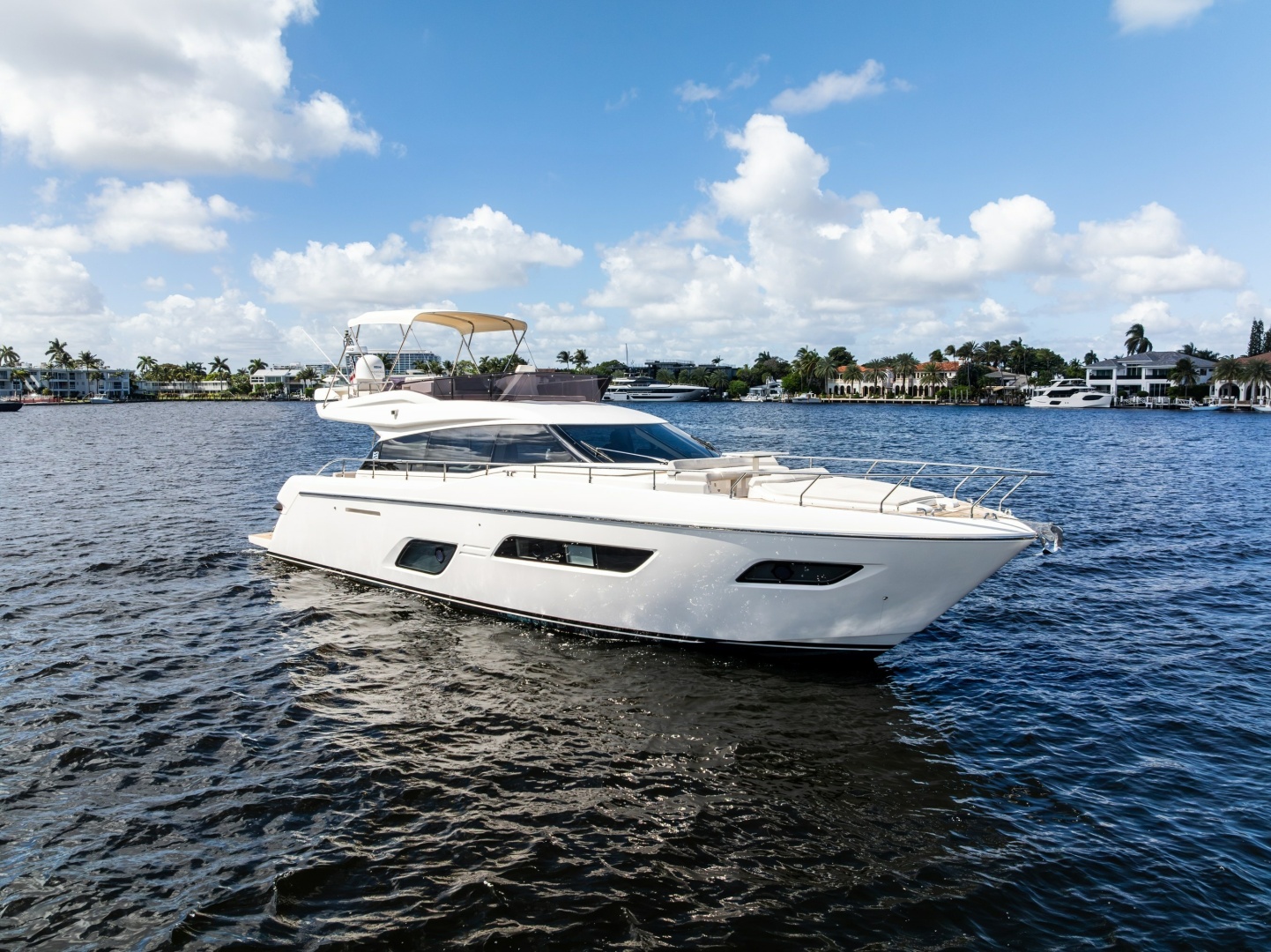
2021 Ferretti Yachts HAVEN
$1,595,000
57
Fort Lauderdale Florida
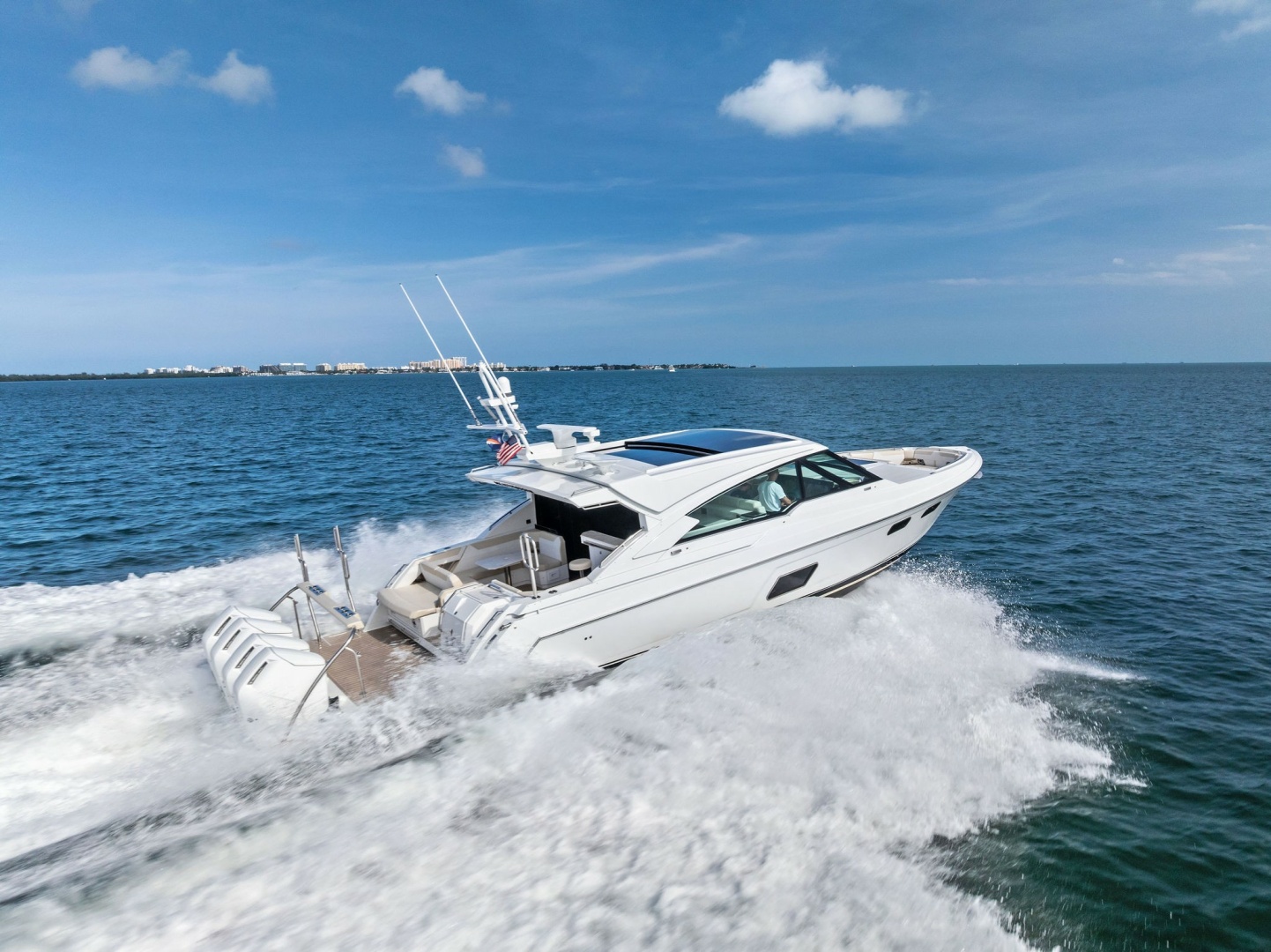
2025 Formula BREAKTHROUGH III
$1,895,000
53
Miami Beach Florida

2023 Fairline
$900,000
45
Fort Lauderdale Florida
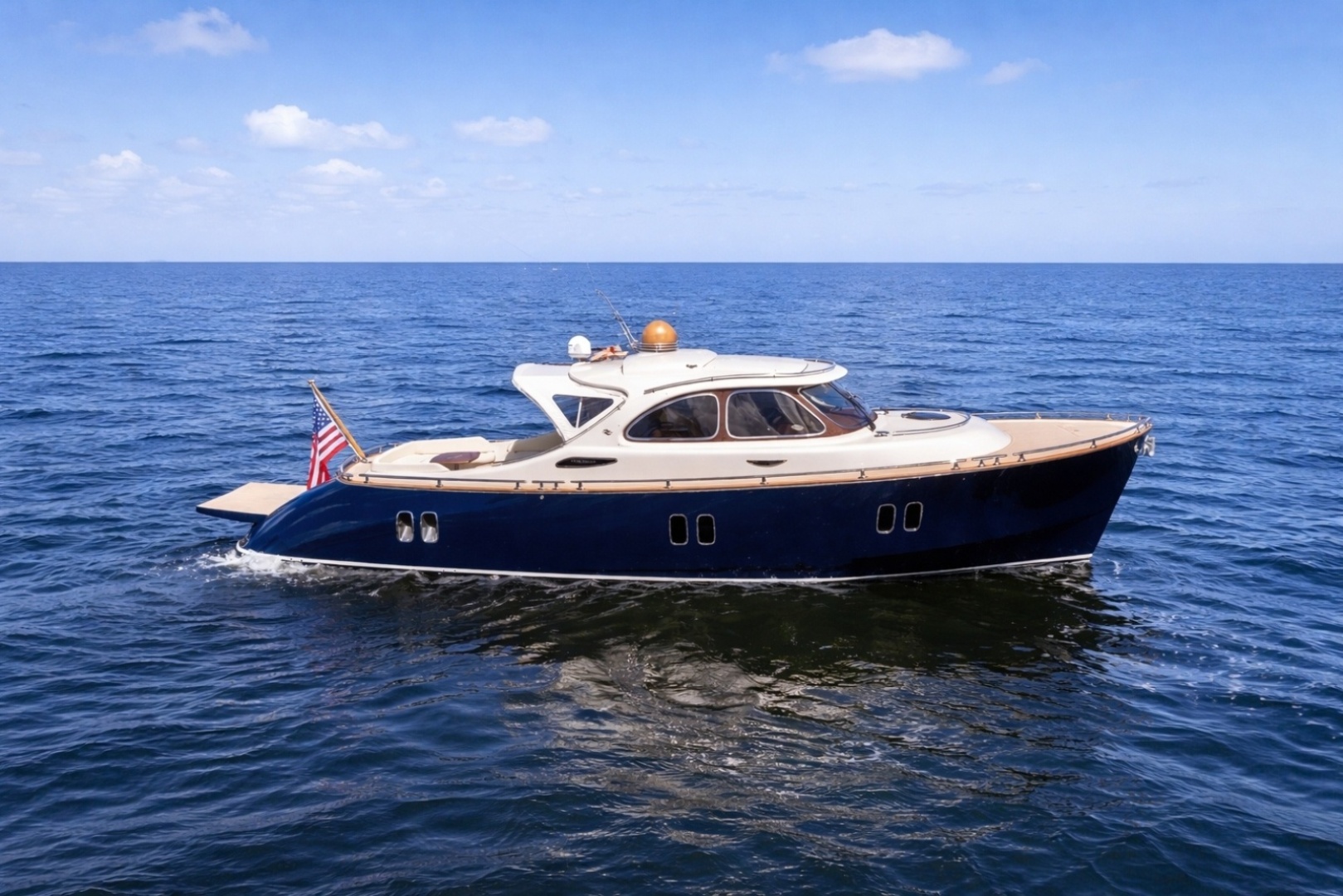
2012 Zeelander Mississippi Queen
$575,000
44
West Palm Beach Florida
2028 Columbus Yachts 137'
$22,900,008
2012 Benetti 132'
$10,975,000
2028 Kingship 125'
$20,350,000
2024 Silver Yachts 117'
$25,400,000
2009 Hargrave 114'
$2,500,000
2028 Extra Yachts 100'
$20,350,000
2028 Alpha 100'
$12,100,000
2028 Extra Yachts 96'
$9,495,000
2021 Sanlorenzo 96'
$6,795,000
2028 Kingship 90'
$11,990,000
2028 Alpha 90'
$9,894,500
2023 Azimut 88'
$7,950,000
1999 Northern Marine 84'
$2,495,000
2013 Pershing 82'
$1,375,000
1997 Ferretti Yachts 80'
$825,000
2008 Princess Yachts 75'
$1,095,000
2014 Sunseeker 68'
$1,400,000
2024 Fairline 68'
$2,750,000
2019 Vanquish Yachts 58'
$1,799,000
2021 Ferretti Yachts 57'
$1,595,000
2025 Formula 53'
$1,895,000
2023 Fairline 45'
$900,000
2012 Zeelander 44'
$575,000