

Overview — A client yacht portal is a secure, branded online workspace that gives owners and buyers real-time access to contracts, maintenance records, payments, itineraries, and concierge services. Done right, it converts a one-time transaction into an enduring, trust-anchored relationship. The best implementations map the full client lifecycle first, meet PCI DSS payment security standards, and operate within clearly documented broker SLAs. Yachts-bysteve treats portal setup as a core part of its brokerage service, not an afterthought.
- Secure, role-based access for owners, buyers, brokers, and captains
- Document center: contracts, survey reports, title, registration, and insurance
- Financial dashboard: payment schedules, escrow status, and operational accounts
- Maintenance logs, service scheduling, and provisioning preferences
- E-signature, messaging, itineraries, and showing workflows
- Integration with CRM, accounting, and payment gateway systems
Table of Contents
- What does setting up client yacht portals actually involve?
- Why a portal changes everything for luxury yacht clients
- What features should wealthy clients insist on?
- How should you set up a client yacht portal, step by step?
- What does implementation realistically cost and how long does it take?
- Security and compliance every U.S. yacht owner should require
- Questions to ask your broker or portal vendor before you agree
- How Yachts-bysteve uses portals to elevate client experience
- Key Takeaways
- A broker’s honest perspective on what clients should expect
- Yachts-bysteve offers broker-led portal scoping for discerning clients
- Authoritative resources for further reading
What does setting up client yacht portals actually involve?
A client yacht portal is not a glorified file-sharing folder. It is a structured, role-differentiated workspace where every stakeholder — owner, buyer, broker, captain — sees exactly what they need and nothing more. Role-based access control is the true architectural challenge: brokers require a filtered master view across all transactions, while each client sees only their vessel and deal data.
The feature set that affluent buyers and sellers should expect breaks down cleanly:
- User accounts: Role-based permissions with passwordless or multi-factor login options
- Document center: Purchase contracts, bills of sale, survey reports, title documents, insurance certificates
- Financial dashboard: Payment schedule, escrow or trust-account status, APA and operational accounts
- Operational tools: Maintenance logs, scheduled service records, warranty tracking, provisioning preferences
- Trip and sales workflows: Itineraries, showing schedules, e-signature, booking amendments, and direct messaging
- Integrations: CRM as the source of truth, synced to accounting, e-signature platforms, and payment gateways
The design principle that separates a polished portal from a frustrating one: organize around client tasks, not internal department labels. A buyer planning a delivery voyage does not think in terms of “operations” versus “finance.” They want to see what happens next.
Why a portal changes everything for luxury yacht clients
Transparency is the currency of trust at this level of transaction. When an owner can log in at midnight and confirm that the engine service was completed, the escrow balance is correct, and the delivery itinerary is confirmed, they stop calling their broker for reassurance. That shift, from reactive support to proactive visibility, is what 24/7 access to maintenance and financial records actually delivers.
Portals also eliminate what practitioners call “data stitching” — the hours spent consolidating fragmented spreadsheets and email threads into something a client can actually read. Real-time, audit-ready records replace that manual work entirely, which matters enormously when a buyer’s attorney requests documentation during due diligence.
Pro Tip: Treat the portal as a retention tool, not a document dump. Map the client lifecycle from initial inquiry through post-sale maintenance before you select a single technology. Brokers who skip this step build portals their clients never use.
The commercial upside is equally concrete. A well-timed provisioning prompt or concierge module, surfaced at the moment a client is planning a voyage, converts naturally. Portals create those moments; email threads do not.
What features should wealthy clients insist on?
Prioritize these, in order:
- Secure documents and e-signature — contracts and amendments signed digitally, with a full audit trail
- Payment and escrow visibility — real-time status, not a weekly PDF from the broker
- Maintenance and warranty records — searchable, timestamped, and tied to the specific vessel
- Crew and contact details — captain, crew, and concierge contacts accessible in one place
- Itinerary and trip cards — shareable with guests, editable without calling the office
On security: demand PCI DSS-compliant payment flows, HTTPS/SSL endpoints, and documented role-based access. WordPress-based portals specifically should use a dedicated IP and SSL and must plan access control carefully before a single line of code is written.
Mobile experience matters as much as desktop. Passwordless login, shareable guest links, and a concierge request module are not luxury extras at this price point — they are baseline expectations. And the CRM must remain the single source of truth; without automated syncing, the portal becomes another manual workload rather than a relief from one.

Pro Tip: A focused portal that solves the 10–15 most frequent post-transaction needs outperforms a bloated platform every time. Adoption drops sharply when clients face features they never asked for.
How should you set up a client yacht portal, step by step?
Lifecycle mapping before technology selection is the single most important principle here. Brokers who choose a platform first and map workflows second build portals that serve the software, not the client.
- Map the client lifecycle. Define every stage from initial inquiry through contract execution to post-sale maintenance. Identify who owns each data field and where it currently lives.
- Define roles and SLAs. Document what each user type can see, edit, and approve. Set uptime and response-time commitments in writing.
- Choose your integration approach. Decide whether to extend an existing platform (faster, lower cost) or build custom (more control, longer timeline). Either way, automated connectors are non-negotiable.
- Run a pilot with 1–3 trusted clients. A small-group pilot lets you refine user flows before a full launch. Measure support email volume and time-to-issue resolution as your primary KPIs.
- Iterate on pilot findings. Fix friction points before expanding. If a module goes unused, cut it.
- Phased rollout with training. Onboard staff first, then clients. Provide each client with a one-page guide: where to find contracts, how to reach concierge, how to add guests and payment methods.
Avoid manual syncing at every stage. Require automated connectors or scheduled sync jobs as a contractual deliverable, not a future enhancement.
What does implementation realistically cost and how long does it take?
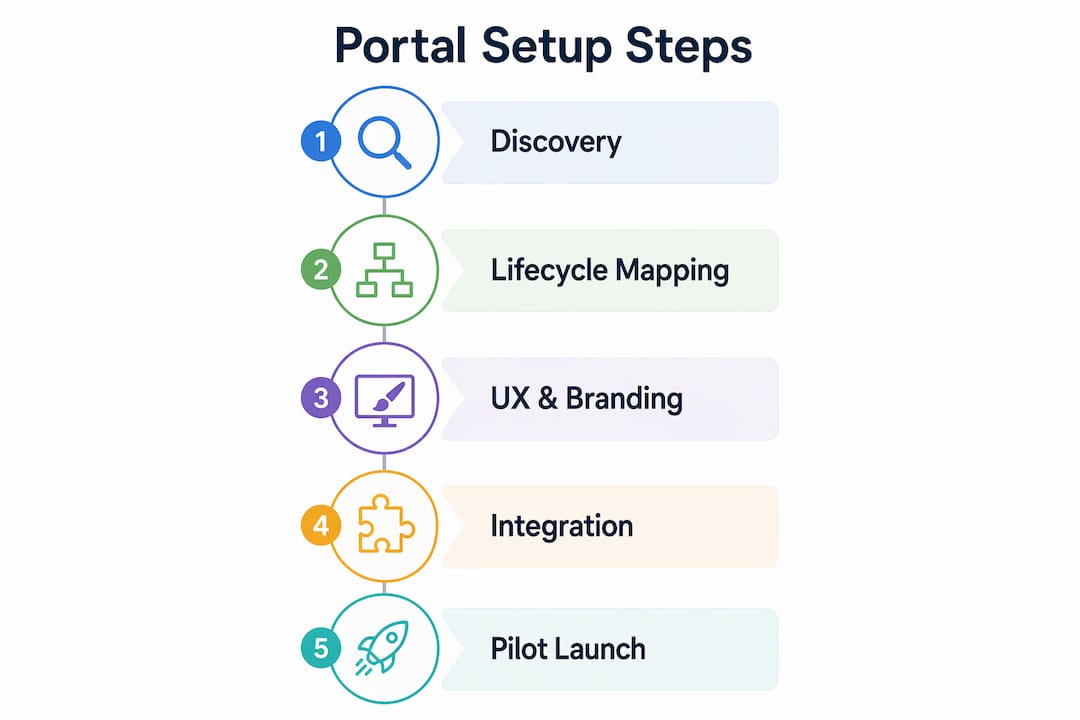
A pilot on an existing platform can launch within a few weeks. A custom portal with full CRM, accounting, and e-signature integrations typically runs several months, depending on complexity.
| Phase | Duration | Decision Gate |
|---|---|---|
| Discovery and lifecycle mapping | a few weeks | Approve scope and role definitions |
| UX, branding, and build | several weeks | Approve design and integration specs |
| Pilot period (small client group) | several weeks | Review KPIs; proceed or iterate |
| Phased rollout | multiple weeks | Confirm training completion |
| Ongoing maintenance | Continuous | Quarterly SLA review |
Cost components for U.S. implementations include discovery and lifecycle mapping, UX and branding, integration work (CRM, accounting, e-signature), hosting and security, data migration, and training. Low-complexity builds on existing platforms run in the low five figures; mid-range custom portals with full integrations typically land in the mid-to-high five figures; enterprise-grade builds with bespoke branding and multiple system integrations can exceed six figures. Brokers generally absorb platform and setup costs; owners may contribute to custom development when the portal is built around a specific vessel management requirement.
Security and compliance every U.S. yacht owner should require
Demand these before signing any portal agreement:
- Encryption in transit and at rest — TLS 1.2 or higher, AES-256 for stored data
- PCI DSS-compliant payment flows — no exceptions for transactions of this size
- Multi-factor or passwordless authentication — SMS codes are a minimum; hardware keys or biometric options are preferable
- Audit logs — every contract view, payment action, and document amendment should be timestamped and attributed
- Documented vendor SLA — uptime guarantees, backup frequency, and data-recovery timelines in writing
- Data hosting location — confirm U.S.-based servers for state-specific data-residency considerations
On the legal side: U.S. yacht transactions require retention of purchase contracts, bills of sale, and escrow records. Confirm with your attorney how long your broker’s platform retains these documents and whether you can export a complete record at any time. Escrow and trust-account handling should follow U.S. practice; ask your broker to name the escrow agent and confirm the account structure before funds move.
This article is general information, not legal or financial advice. Confirm current requirements with a qualified maritime attorney for your specific transaction.
Questions to ask your broker or portal vendor before you agree
One conversation with the right questions separates a prepared vendor from one who is improvising:
- Who is the source of truth for booking and sale data, and how is it kept current?
- How are payments processed, and can you provide PCI DSS documentation?
- What are the role permissions, and is there a full audit log for contract and payment history?
- How will amendments and cancellations be handled, and what is the client notification process?
- What is the pilot plan, how long does it run, and what are the rollback criteria if it fails?
Red flags: manual data re-entry between systems, no pilot plan, no documented SLA for uptime or backups, and no clear escrow or payment flow. Any one of these signals a portal that will create more work than it eliminates.
How Yachts-bysteve uses portals to elevate client experience
Yachts-bysteve approached portal development the way it approaches every transaction: lifecycle first, technology second. The process began with mapping the full client journey, from the first inquiry through contract execution and into post-sale vessel management, identifying exactly where clients were losing time and confidence.
A pilot with a small group of trusted clients followed. Key integrations were confirmed during that phase, including document management, e-signature workflows, and financial reporting. The pilot’s success metrics focused on two things: reduction in repetitive support contacts and faster contract turnaround.
- Lifecycle mapping revealed the specific stages where clients most needed real-time visibility
- Pilot feedback shaped the final feature set, cutting modules that went unused
- Post-rollout, clients reported faster access to documents and greater confidence during the transaction
For clients who want to understand the personalization possibilities a well-built portal can surface, the concierge and provisioning modules are where the experience truly becomes idyllic.
Key Takeaways
A well-scoped client yacht portal, built on lifecycle mapping and a structured pilot, is the single most effective tool for converting a luxury transaction into a long-term ownership relationship.
| Point | Details |
|---|---|
| Lifecycle mapping comes first | Map inquiry through post-sale maintenance before selecting any platform or vendor. |
| Pilot with trusted clients | Run a pilot with a small group of clients; measure support volume and contract turnaround before full rollout. |
| Security is non-negotiable | Require PCI DSS payments, TLS encryption, role-based access, and a documented vendor SLA. |
| Integration drives adoption | Automated CRM and accounting syncs prevent the portal from becoming another manual workload. |
| Yachts-bysteve leads with lifecycle | Yachts-bysteve structures portal scoping around the client lifecycle, piloting with trusted clients before any full rollout. |
A broker’s honest perspective on what clients should expect
The most common misconception about client portals is that they are primarily a technology project. They are not. They are a client-experience project that happens to require technology. Every time a portal has struggled, the root cause has been the same: someone chose a platform before mapping what clients actually needed to do.
The practical step clients can take right now is to ask their broker for a written lifecycle map before any portal conversation begins. If the broker cannot produce one, the portal will be built around the broker’s convenience, not the client’s.
Pilot projects reveal things no amount of planning anticipates. A module that seemed critical in discovery goes untouched; a simple maintenance log becomes the feature clients check every week. That is why the pilot is not optional. It is where the real design happens.
Yachts-bysteve offers broker-led portal scoping for discerning clients
For buyers and sellers who want the white-glove experience from day one, Yachts-bysteve provides broker-led portal scoping, pilot management, and concierge onboarding as part of its brokerage services. The process begins with a private scoping call to map your specific lifecycle, define your role permissions, and identify the integrations your transaction requires. There are no generic templates here. Every portal is built around the client’s actual workflow, from the first showing through post-sale vessel management. To request a private scoping call or a demo account, contact Yachts-bysteve directly through the brokerage services page.
Authoritative resources for further reading
- GoYachts — industry commentary: Practitioner guidance on treating portal projects as full business initiatives with lifecycle-first planning.
- Goigo Agency — yacht charter customer portal guide: Detailed breakdown of task-based UX design, feature prioritization, and integration requirements.
- OwlMar Blog — interactive guest portals for crewed charter: Pilot-and-rollout methodology with practical success metrics for charter and brokerage contexts.
- Authentic Style — client portal for yacht charter holiday management: Technical guidance on role-based access, WordPress hosting considerations, and client-facing UX.
- DeepBlue — yacht management software: Owner-focused perspective on eliminating data stitching and creating audit-ready financial and maintenance records.
- Seaventis — yacht management platform: Full-platform reference for charter CRM, owner portals, compliance tracking, and financial management modules.
- Yachts-bysteve — brokerage services: Primary resource for clients who want direct broker support in scoping and implementing a client portal.
- How to conduct remote yacht sales: Practical guidance on portal-enabled document signing and virtual showings for remote transactions.
Recommended
Featured Listings

2028 Columbus Yachts
$22,900,008
137
Ancona
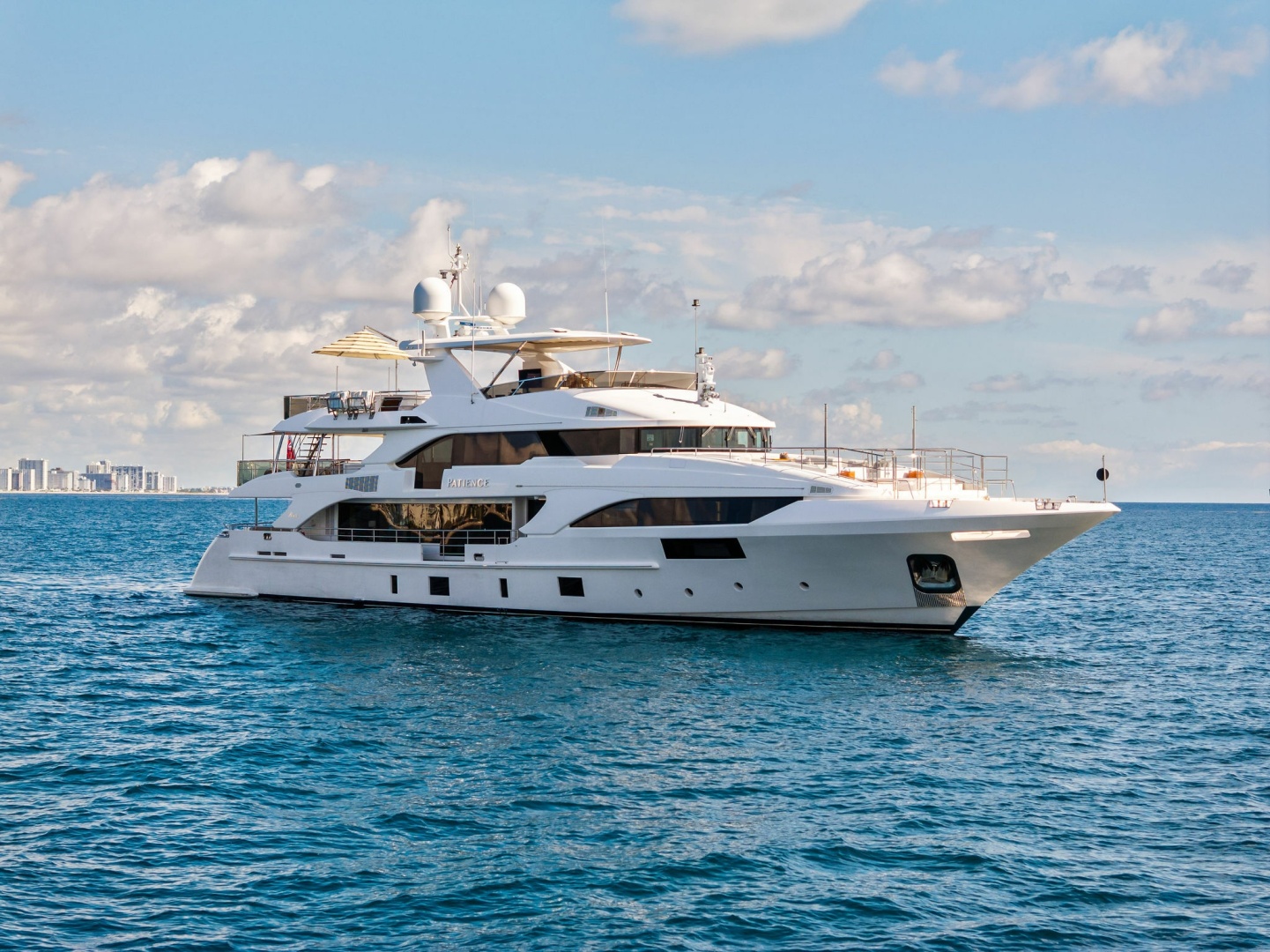
2012 Benetti PATIENCE
$10,975,000
132
Fort Lauderdale Florida
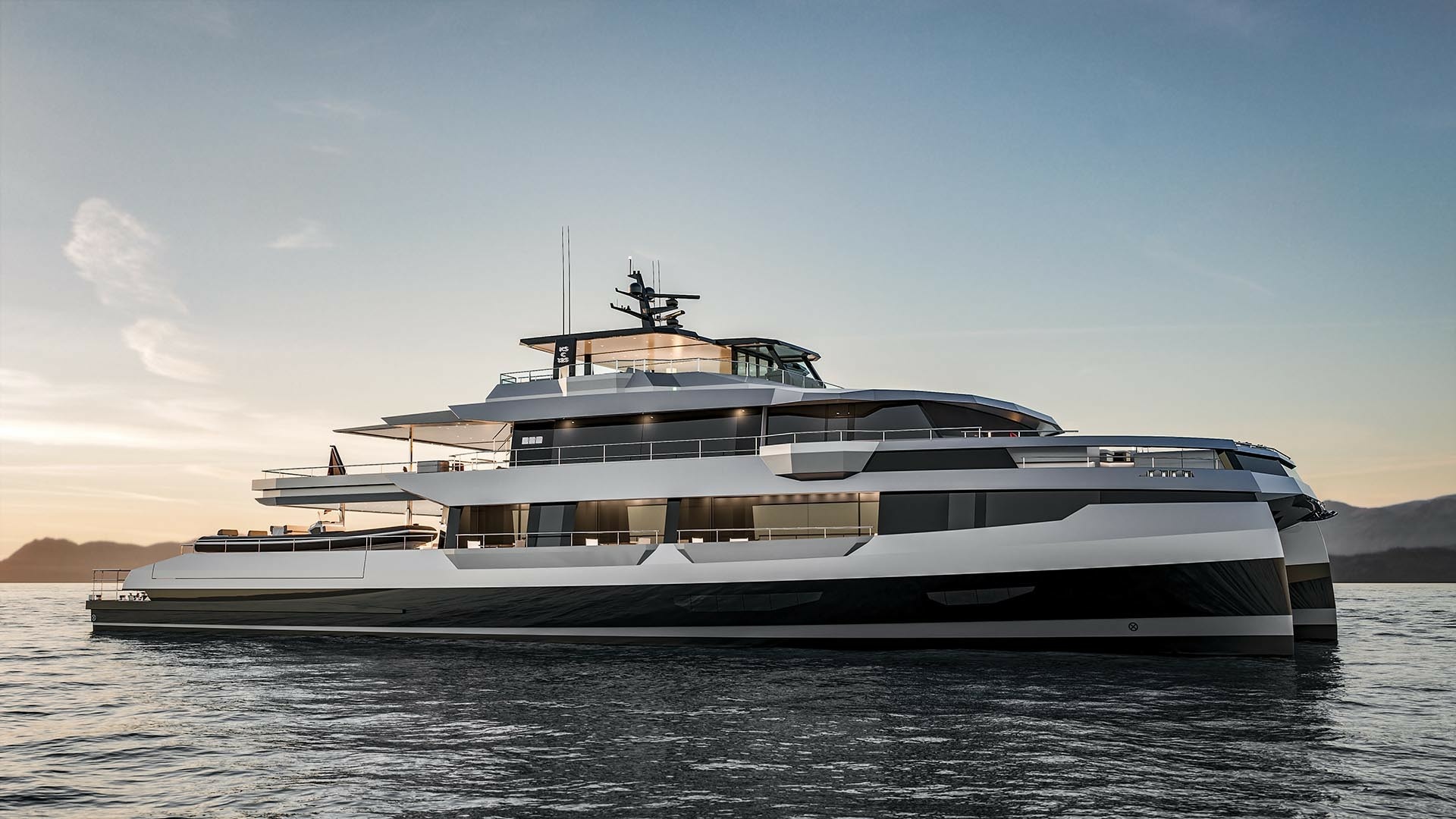
2028 Kingship Kingship
$20,350,000
125
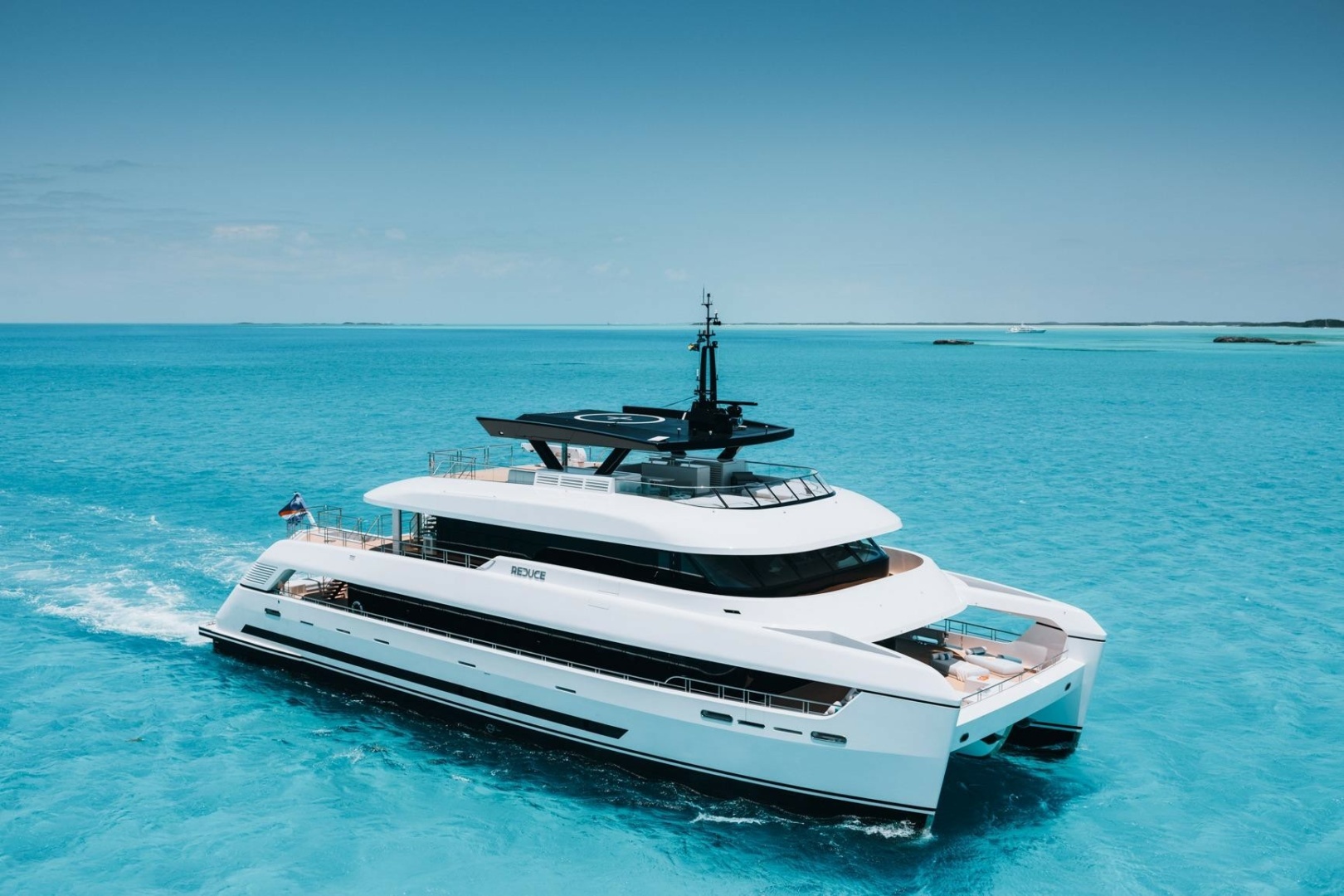
2024 Silver Yachts
$25,400,000
117
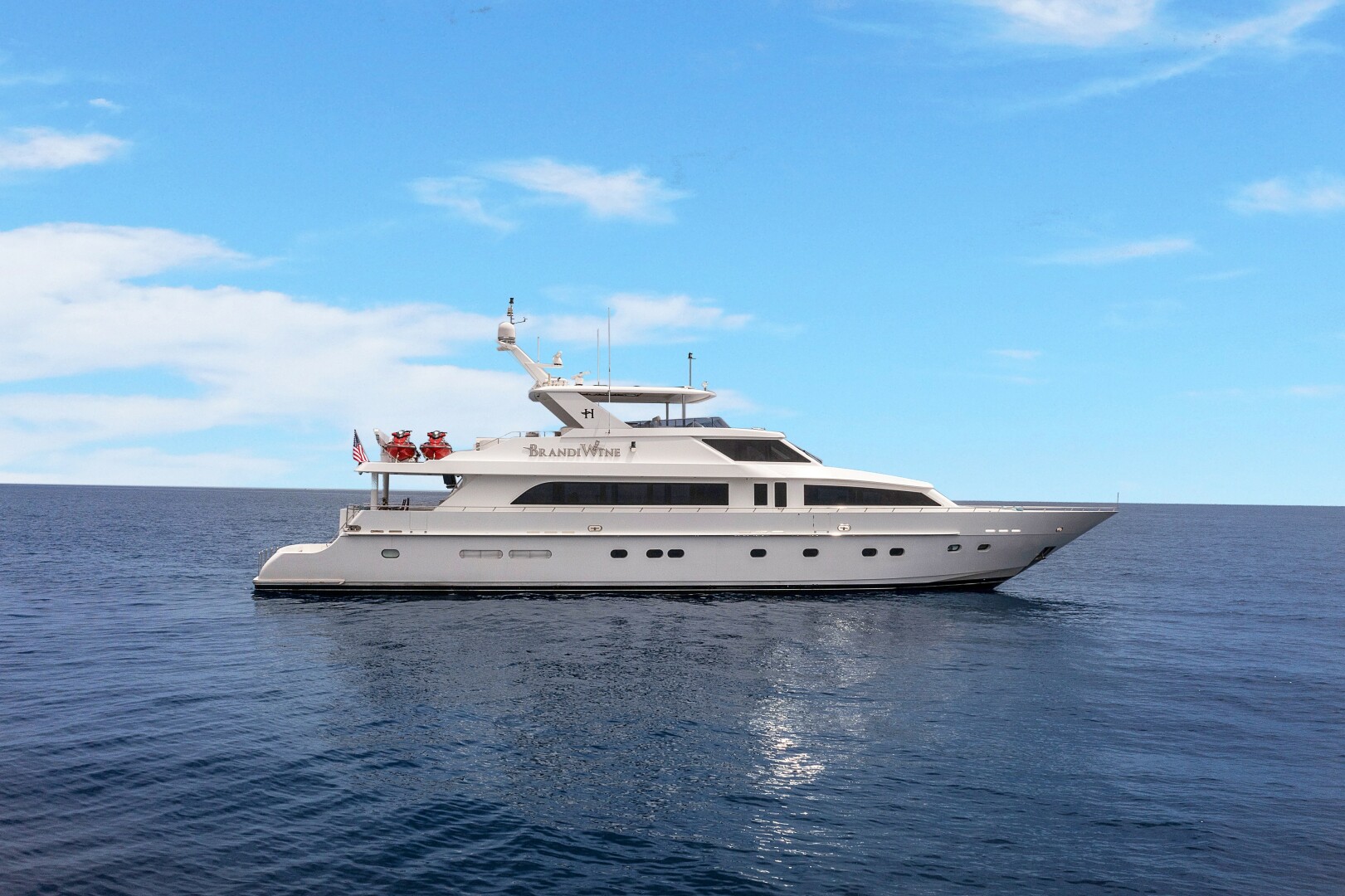
2009 Hargrave BRANDI WINE
$2,500,000
114
Fort Lauderdale Florida

2028 Extra Yachts
$20,350,000
100
Ancona

2028 Alpha
$12,100,000
100
Ft Lauderdale Florida

2028 Extra Yachts Extra 96
$9,495,000
96
Ancona
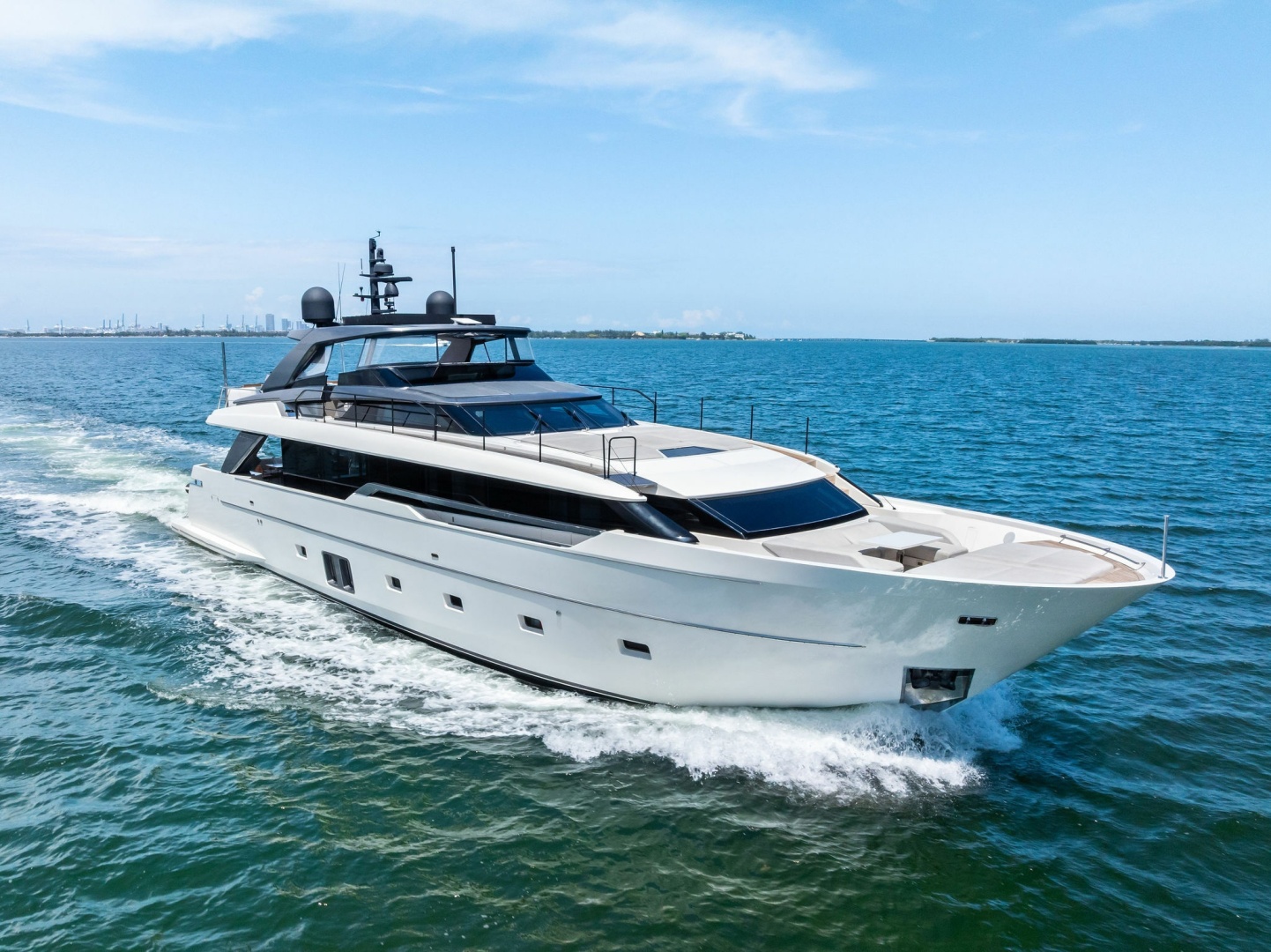
2021 Sanlorenzo GATSBY
$6,795,000
96
Fort Lauderdale Florida
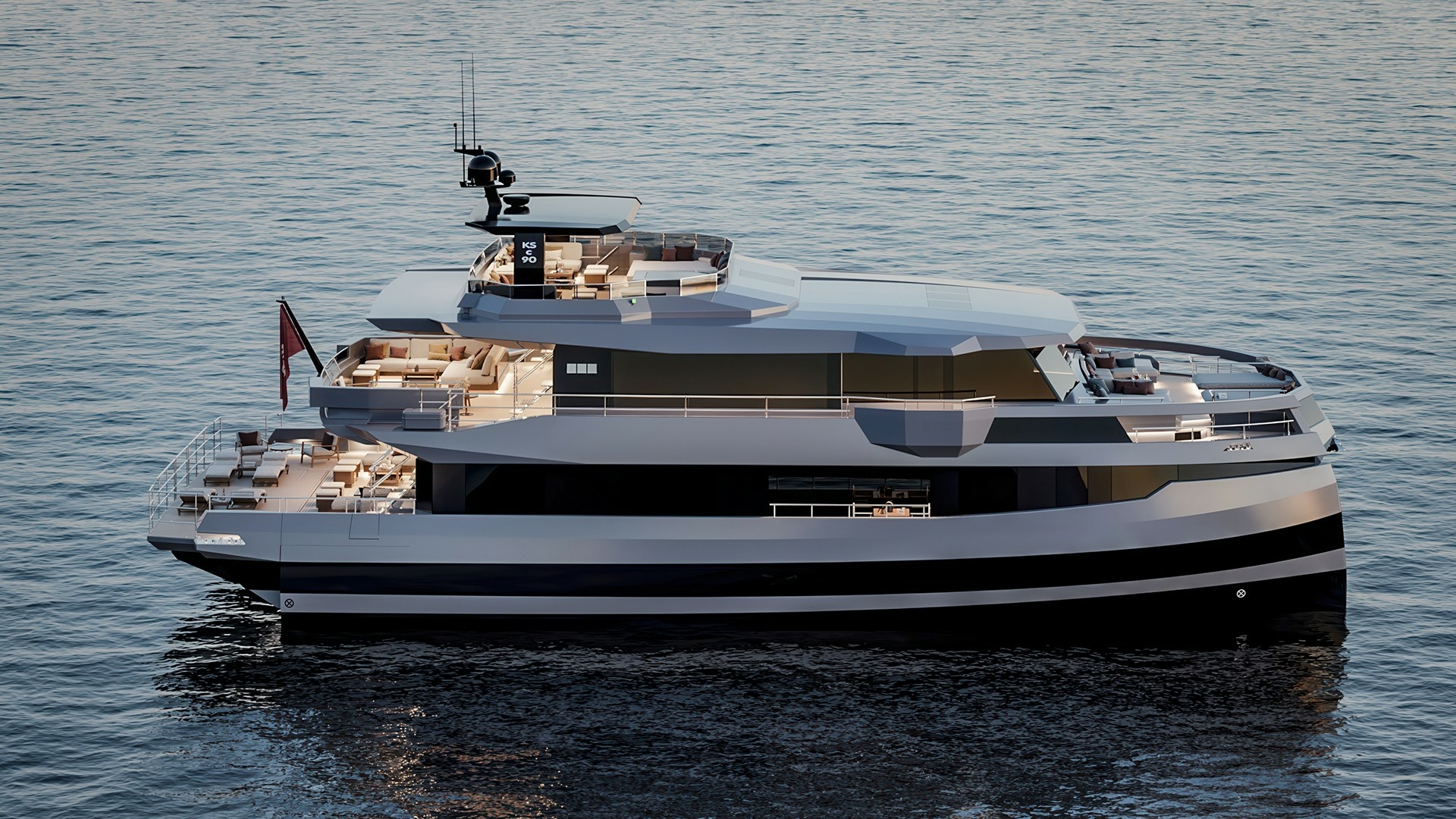
2028 Kingship
$11,990,000
90
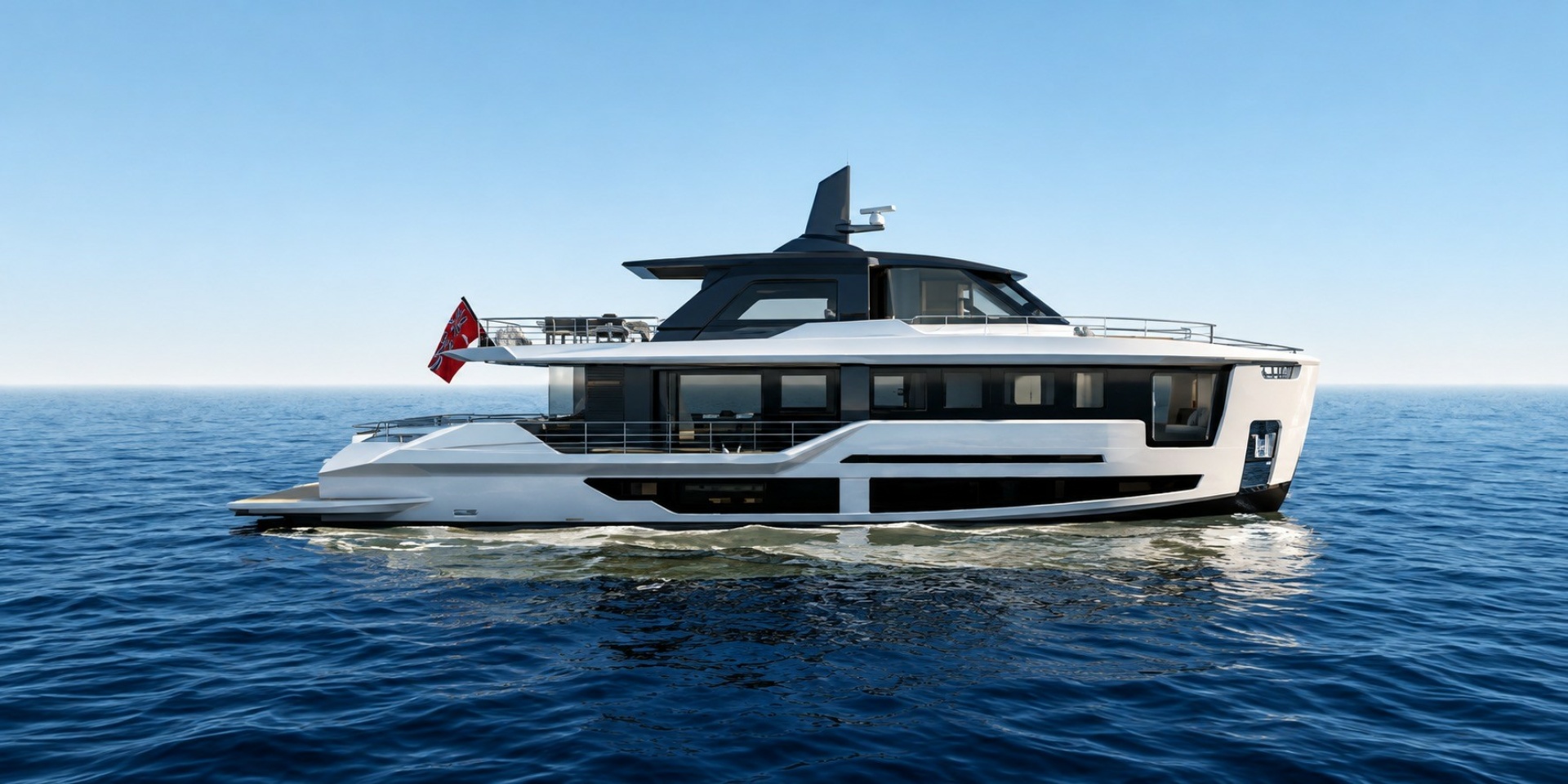
2028 Alpha
$9,894,500
90
Fano
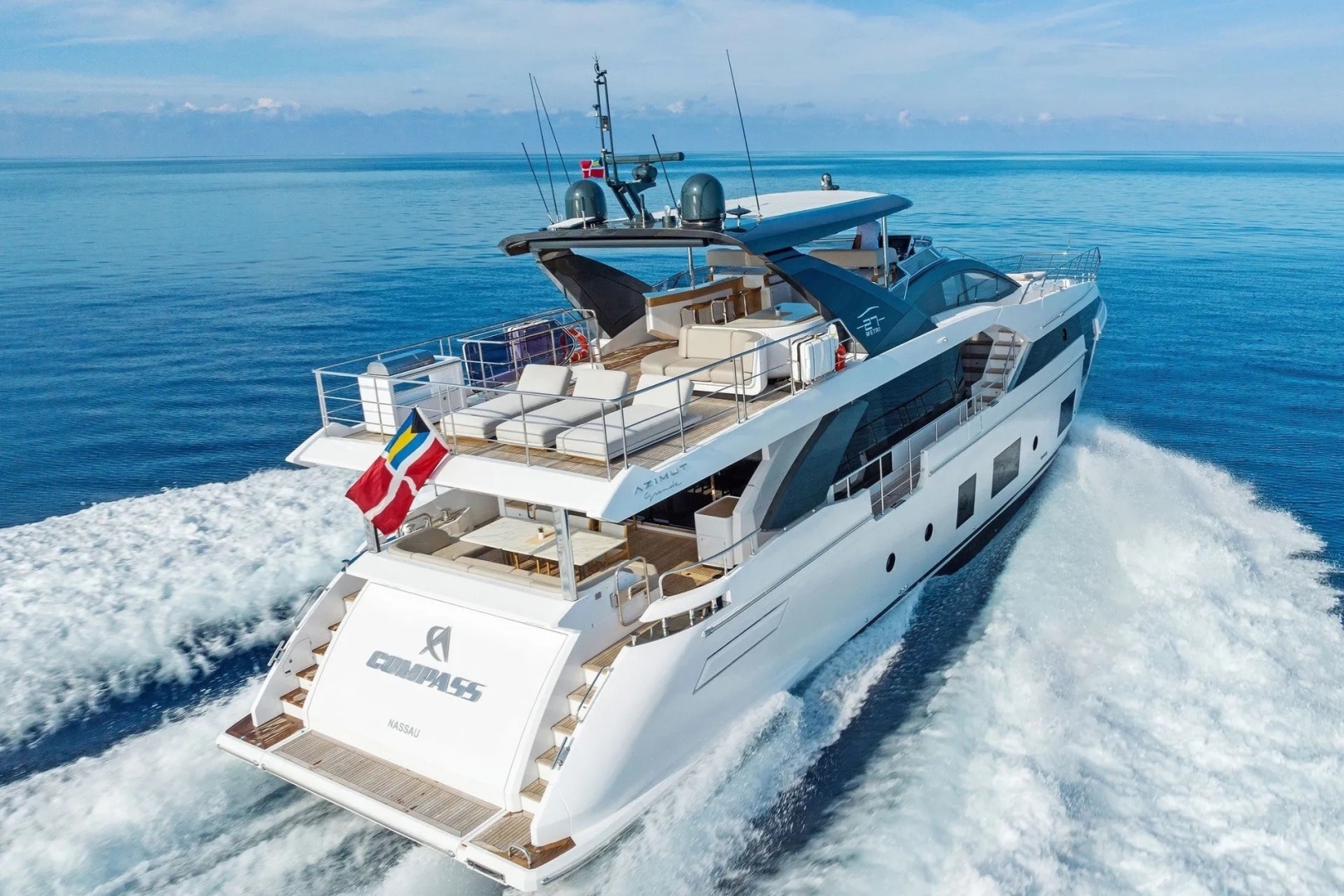
2023 Azimut COMPASS
$7,950,000
88
Miami Beach Florida

1999 Northern Marine OFF LINE
$2,495,000
84
Ft Lauderdale Florida
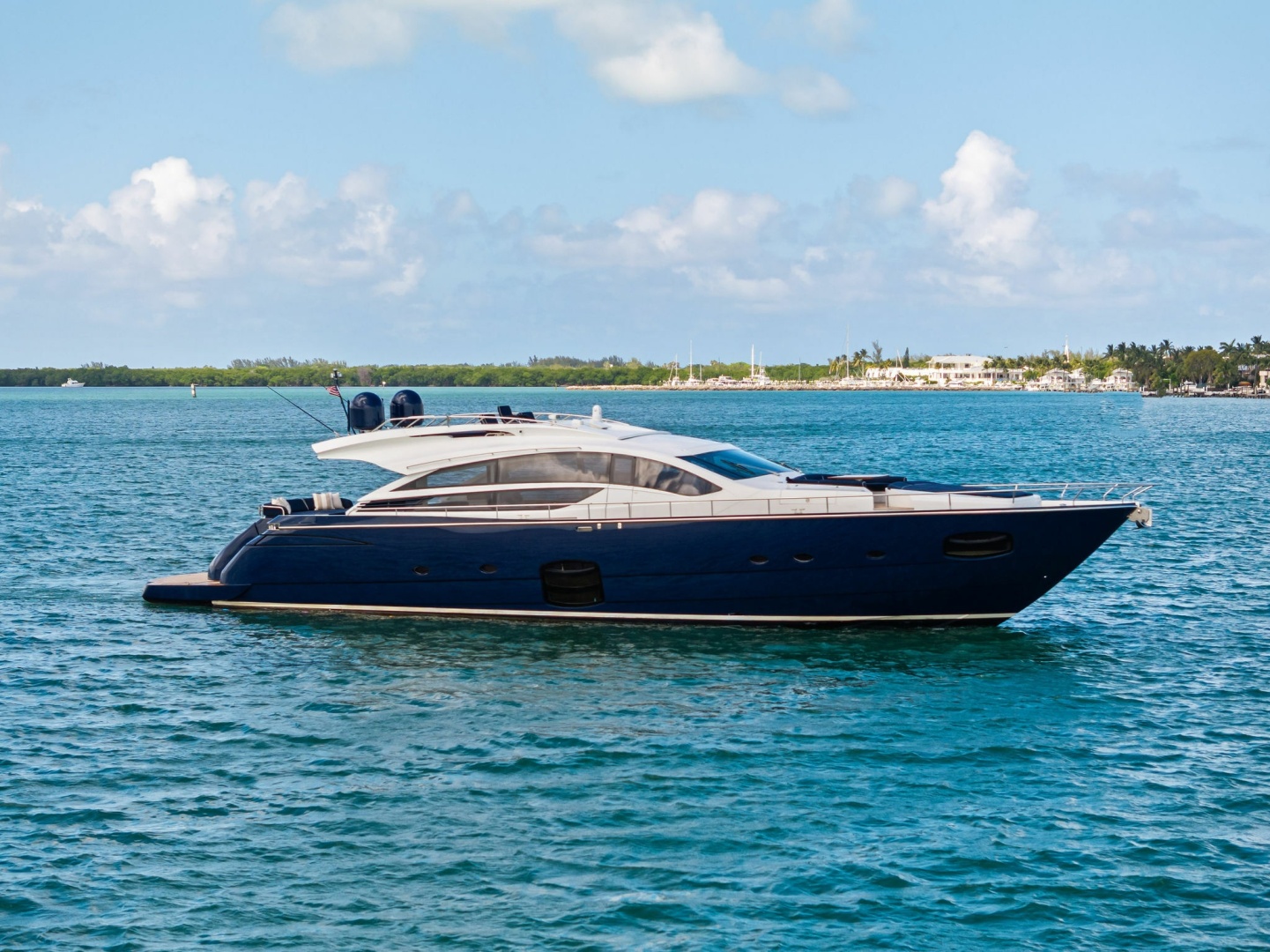
2013 Pershing DOROTHY ANN
$1,375,000
82
Fort Lauderdale Florida

1997 Ferretti Yachts
$825,000
80
La Paz
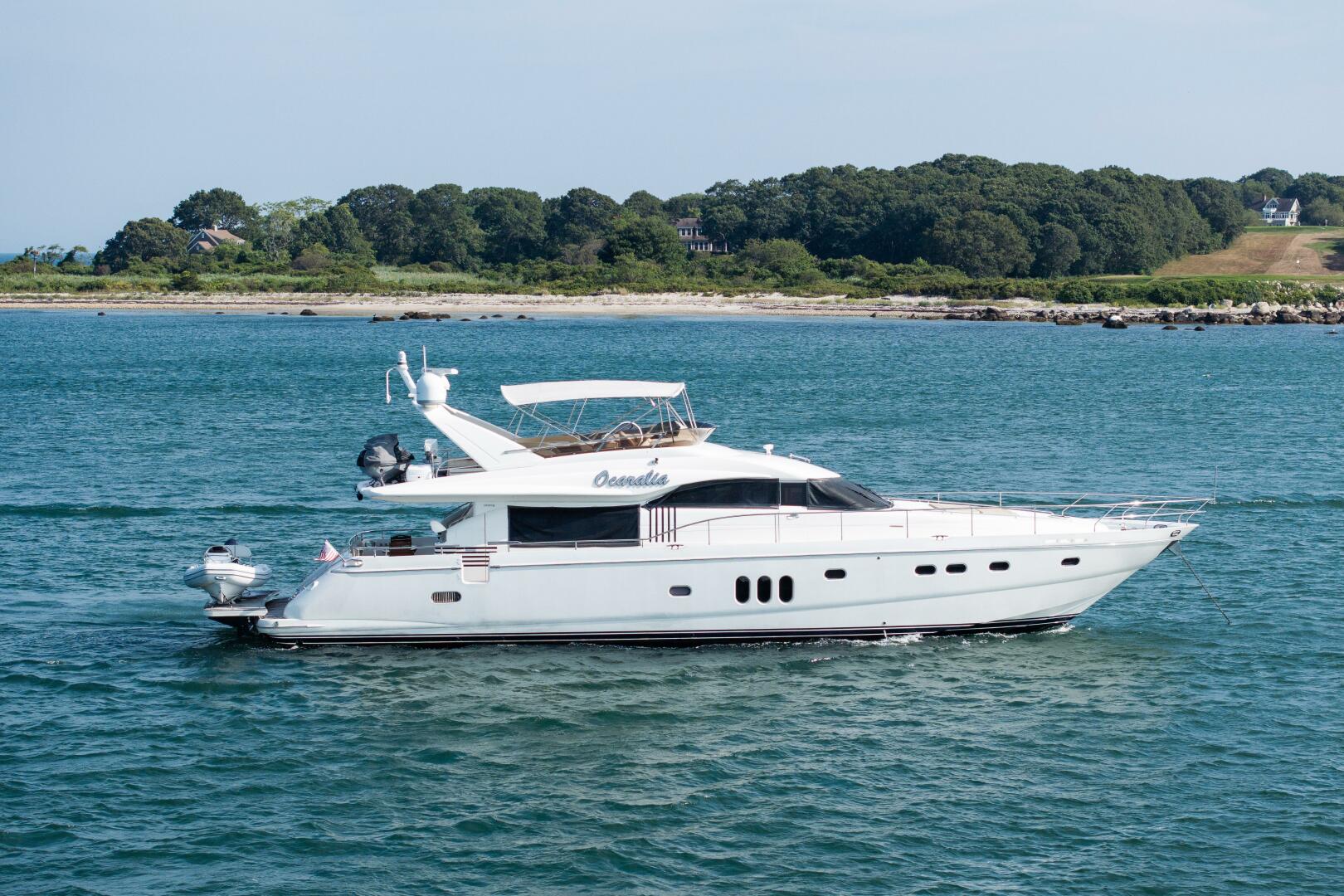
2008 Princess Yachts OCARALIA
$1,095,000
75
Charleston South Carolina
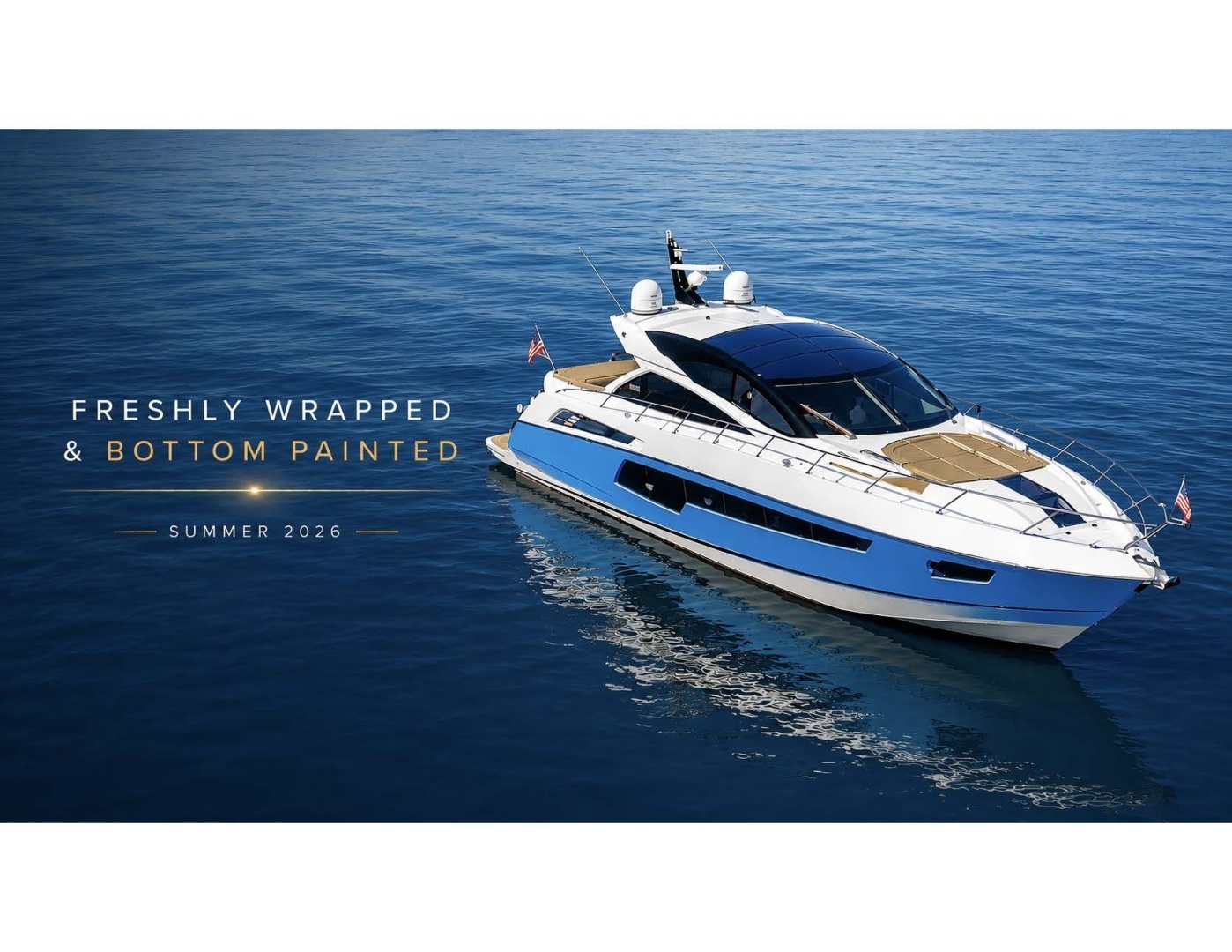
2014 Sunseeker
$1,400,000
68
New York New York

2024 Fairline
$2,750,000
68
Ft. Lauderdale Florida
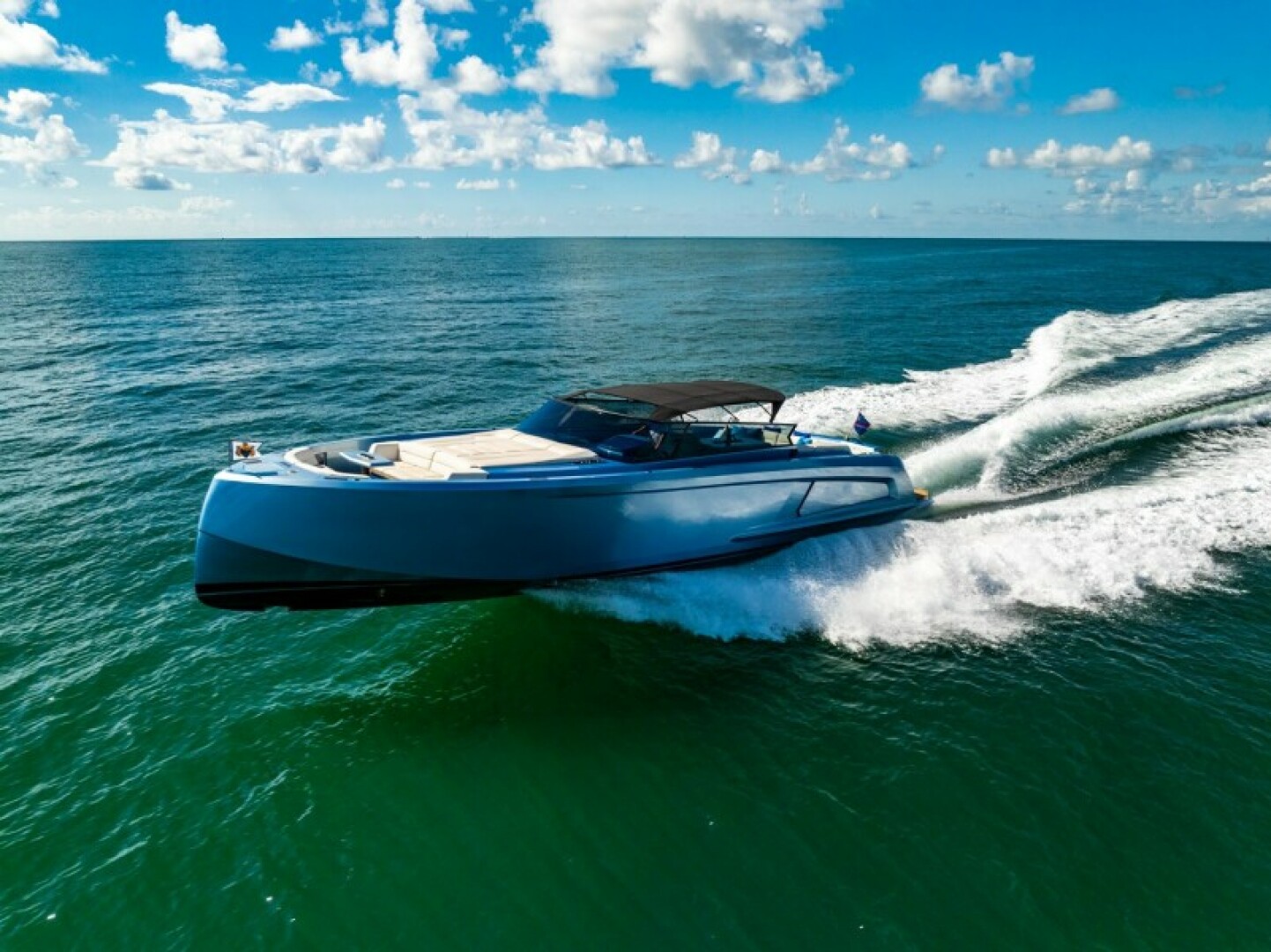
2019 Vanquish Yachts IMPULSIVE
$1,799,000
58
Miami Beach Florida
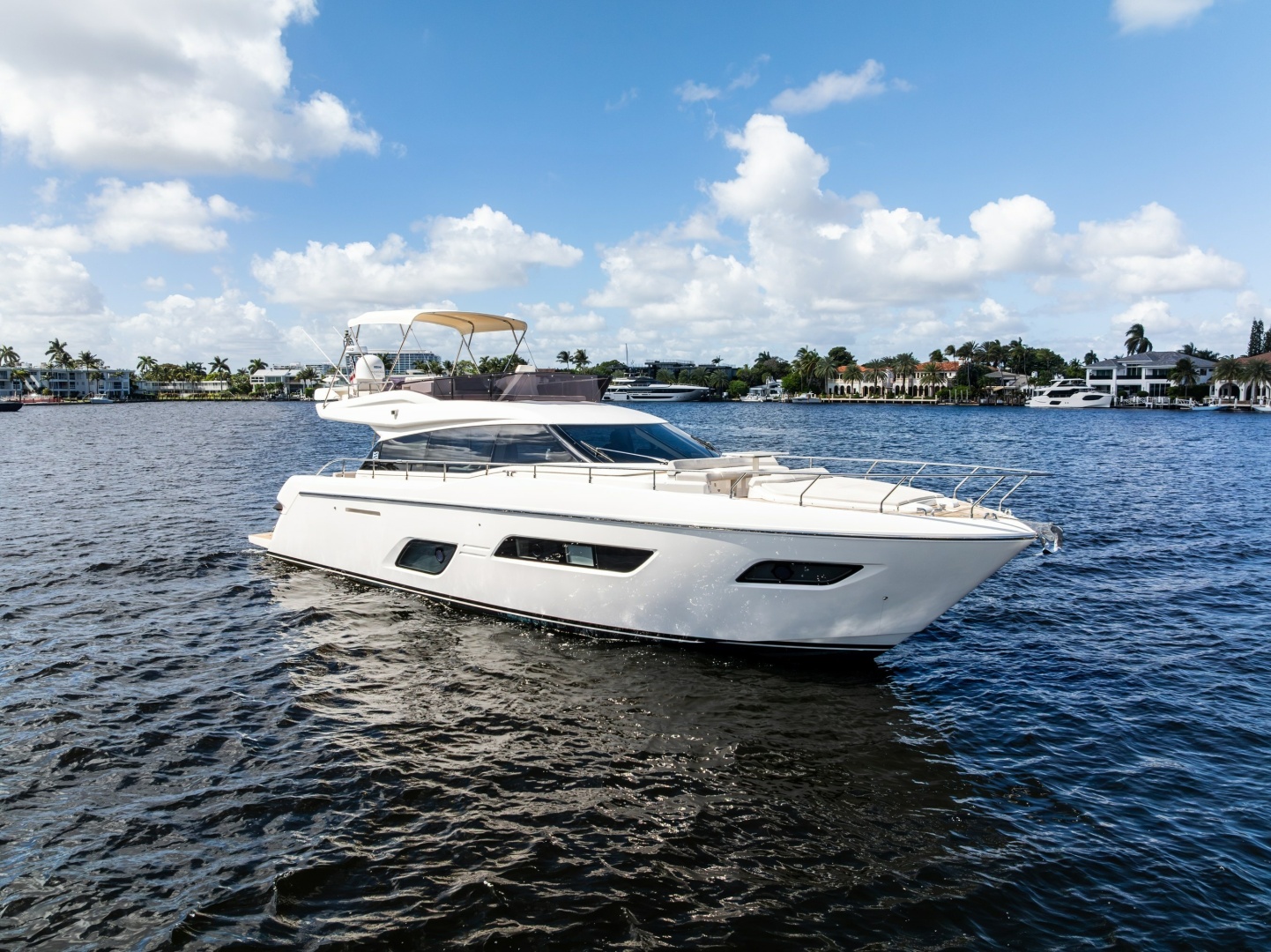
2021 Ferretti Yachts HAVEN
$1,595,000
57
Fort Lauderdale Florida
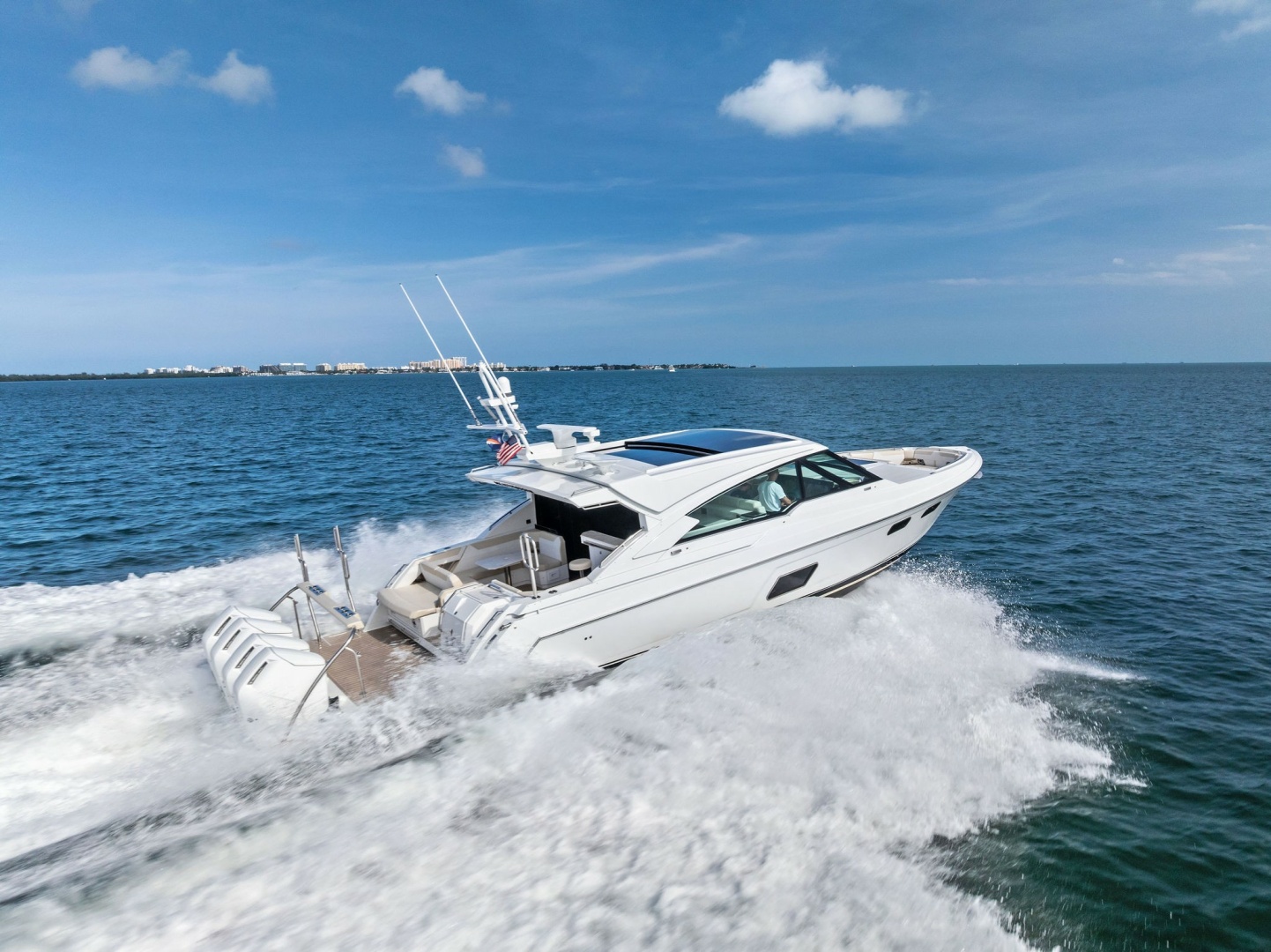
2025 Formula BREAKTHROUGH III
$1,895,000
53
Miami Beach Florida

2023 Fairline
$900,000
45
Fort Lauderdale Florida
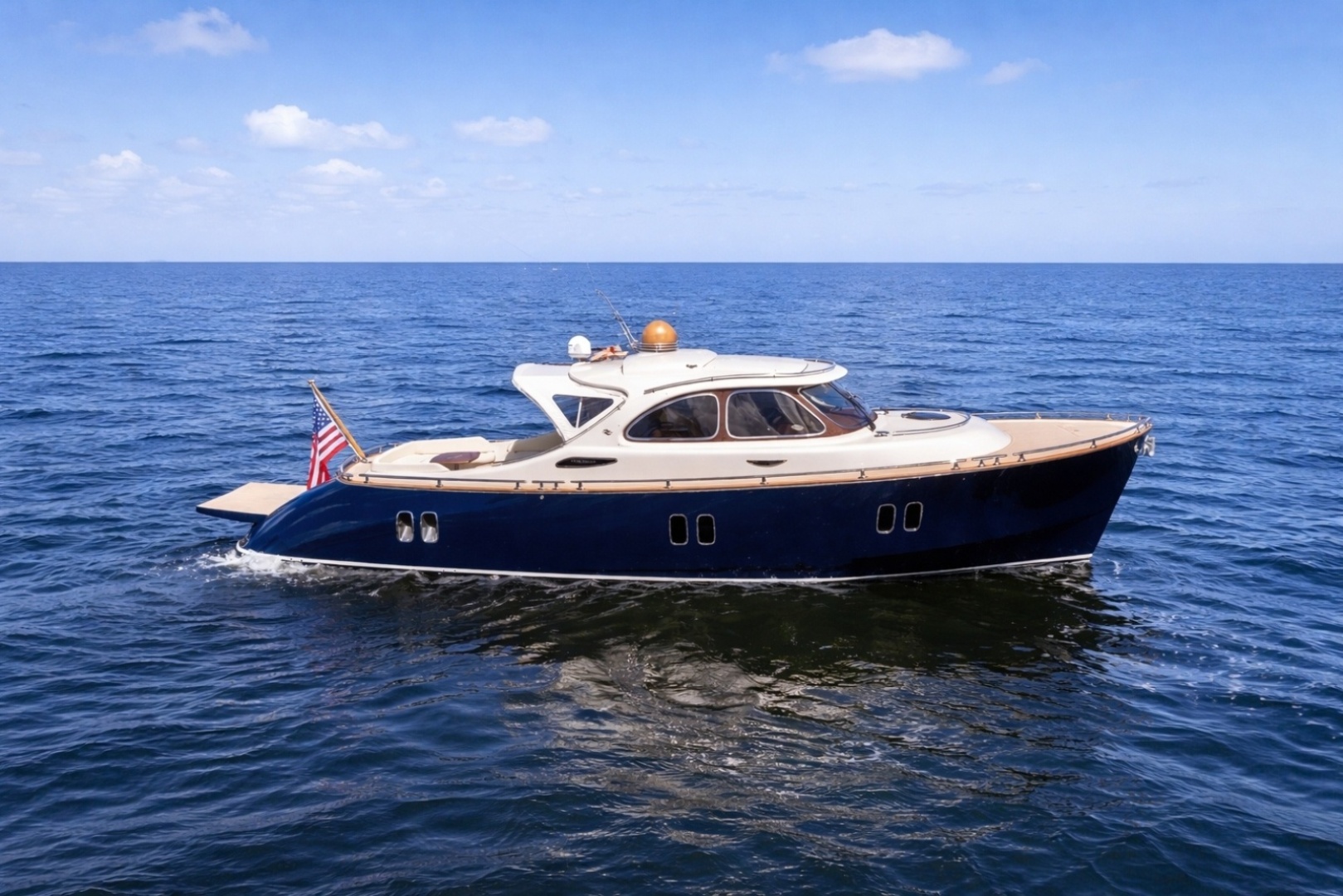
2012 Zeelander Mississippi Queen
$575,000
44
West Palm Beach Florida
2028 Columbus Yachts 137'
$22,900,008
2012 Benetti 132'
$10,975,000
2028 Kingship 125'
$20,350,000
2024 Silver Yachts 117'
$25,400,000
2009 Hargrave 114'
$2,500,000
2028 Extra Yachts 100'
$20,350,000
2028 Alpha 100'
$12,100,000
2028 Extra Yachts 96'
$9,495,000
2021 Sanlorenzo 96'
$6,795,000
2028 Kingship 90'
$11,990,000
2028 Alpha 90'
$9,894,500
2023 Azimut 88'
$7,950,000
1999 Northern Marine 84'
$2,495,000
2013 Pershing 82'
$1,375,000
1997 Ferretti Yachts 80'
$825,000
2008 Princess Yachts 75'
$1,095,000
2014 Sunseeker 68'
$1,400,000
2024 Fairline 68'
$2,750,000
2019 Vanquish Yachts 58'
$1,799,000
2021 Ferretti Yachts 57'
$1,595,000
2025 Formula 53'
$1,895,000
2023 Fairline 45'
$900,000
2012 Zeelander 44'
$575,000